Microsoft Teams Meetings

Cliqer enhances your presentations during Microsoft Teams meetings by allowing you to remotely control the software you are screen sharing (such as PowerPoint, Keynote, or Google Slides).
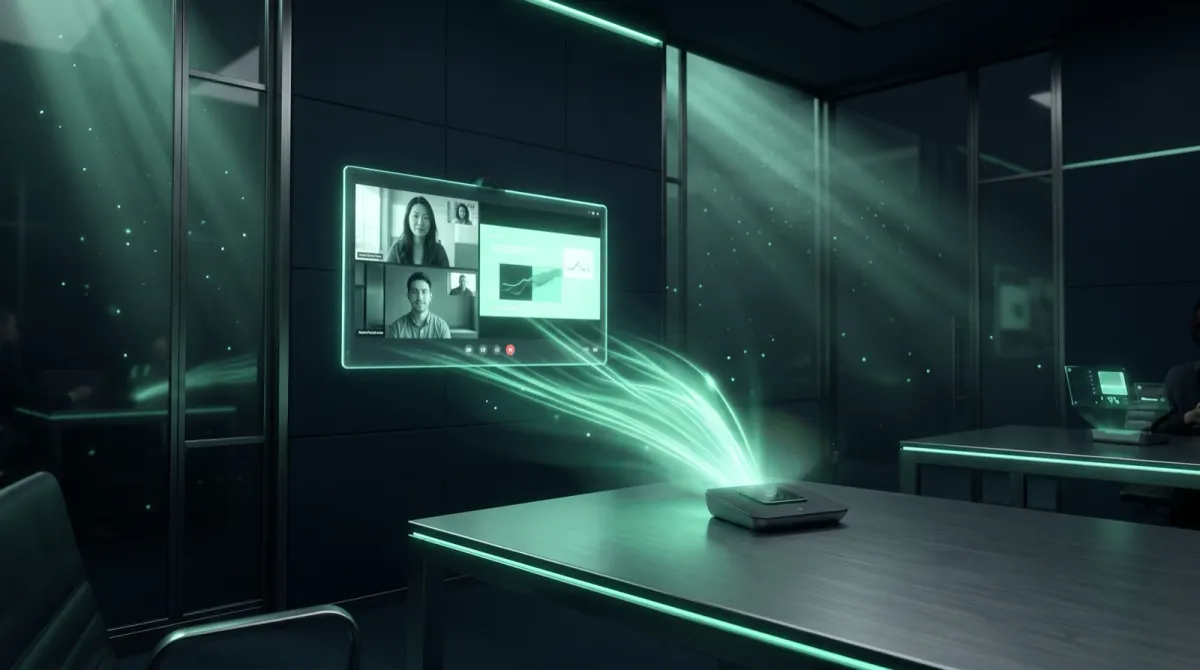
This provides a more professional and seamless experience, as you can manage your slides directly without interrupting your flow to manually change them or ask someone else to.
Key Features
- Independent Slide Control: Advance or go back through your slides using Cliqer while screen sharing in Microsoft Teams.
- Improved Presentation Flow: Maintain focus on your audience and content without being tethered to your computer for slide changes.
- Versatile Software Support: Works with your preferred presentation tool that you share over Teams.
Setup and Usage
Launch Cliqer
Launch Cliqer on your host computer.
Open your presentation
Open your presentation (e.g., a PDF viewer or slideshow software).
Share your screen in Teams
In Microsoft Teams, initiate your meeting and start screen sharing the window containing your presentation.
Navigate your slides
Use the Cliqer presenter link on your remote device to navigate your shared material.
For general Cliqer functionality, please review the How to Use Cliqer guide.
Visit official Microsoft Teams use case page on cliqer.io
Previous: Zoom | Next: Google Meet