Offline and reliability
The room lives on the server and every screen keeps its own copy. If the network drops, the screens keep counting and come back by themselves when it returns.
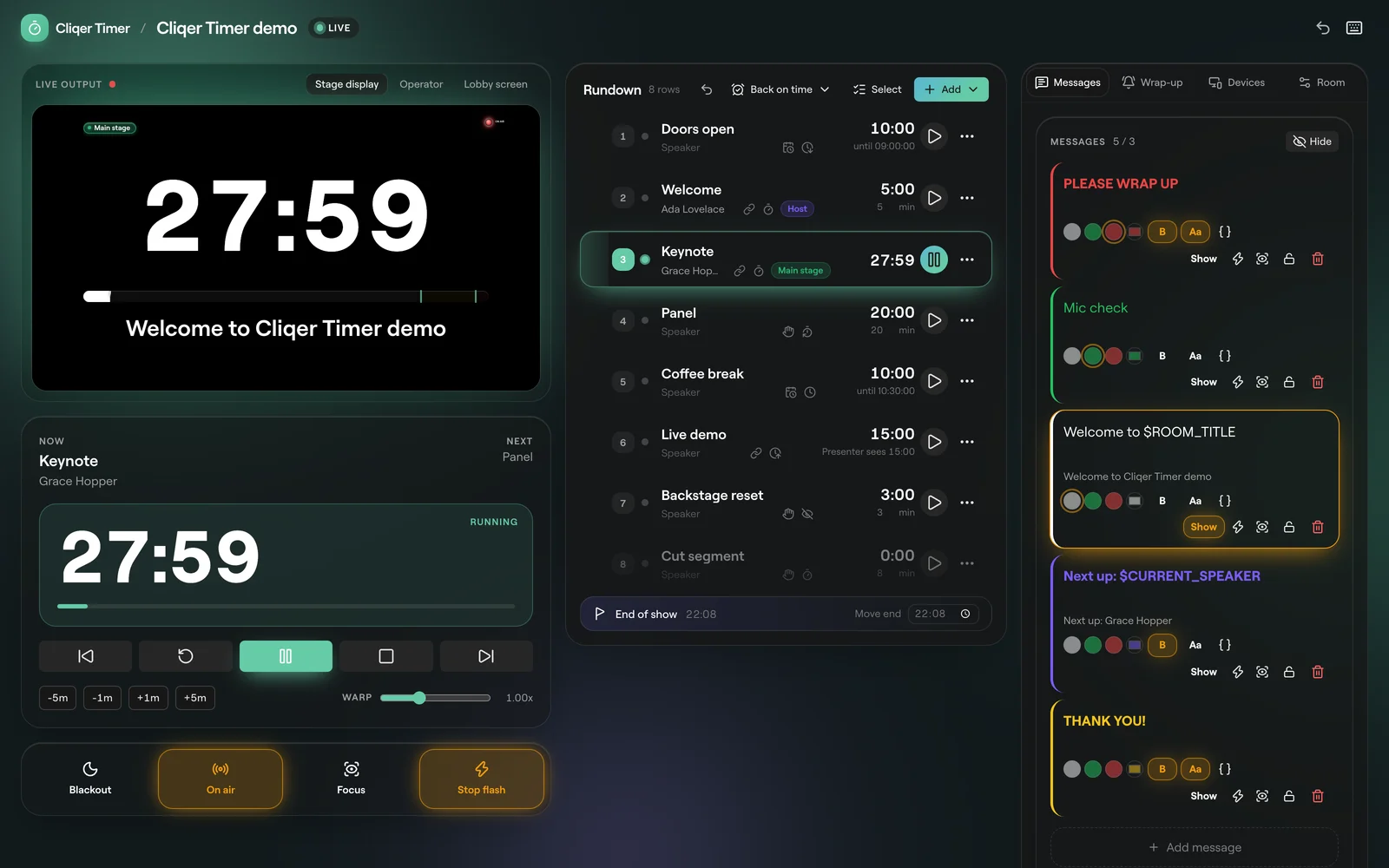
Connection status
Every page shows how it is connected. The control room, operator, moderator and ask pages show the status by name in the header. A viewer screen shows a small dot.
| Status | Means | Viewer dot |
|---|---|---|
| Live | Connected and in step with the room. | Connected |
| readonly | Connected, but this page cannot change the room. | Connected |
| connecting | Opening the room for the first time, nothing loaded yet. | Reconnecting |
| stale | The room moved on; the page is catching up. | Reconnecting |
| offline | The connection dropped. The page shows the last state it had. | Offline |
When the network drops
- The clock keeps running. Each screen counts down from the last state it had, using its own clock, so a running timer keeps moving on screen while the link is down.
- It reconnects by itself. The page tries again after half a second, then waits twice as long each time, up to 10 seconds between tries. Once it is back, the wait starts again from half a second.
- It catches up at once. On reconnect the server sends the whole room again, so the screen shows every change it missed.
- Changes are not queued. A button pressed while offline is refused straight away, not saved for later. Press it again once the page is Live.
Stale
If the room moved on in a way the page cannot follow, the page shows stale and the next full copy of the room puts it back in step. Nothing needs doing. An API call that hits this gets 409 Refused: staleEpoch: send it again.
Read-only rooms
A page shows readonly when its link cannot change the room, or when the room is read only. Rooms past your plan's room count stay saved but open read only; the oldest rooms stay writable. Move a room to trash, or see Plans and limits.
The demo room
The demo room at https://cliqer.io/timer runs entirely in your browser, so it never goes offline and nothing is saved to an account. It lasts an hour.
Offline desktop room
With the offline desktop room in your plan, a room can be run from the Cliqer desktop app on your local network, with no internet needed. While a room is run that way and the desktop host cannot be reached, the API refuses changes with 503 Refused: authorityOffline.
Deleted rooms
Moving a room to trash keeps it for 30 days. Open Trash on Cliqer Timer rooms and restore it from there. After 30 days it is gone. Restore is off while you are at your plan's room count.
FAQ
That is expected. The screen keeps counting from the last state it had and reconnects by itself. Changes you make in the meantime reach it when it is back.
Changes are not queued while offline. Wait for Live and press it again.
Check the device's network. It keeps trying every 10 seconds at most, so it comes back on its own once the network does. Reloading the page also works.