Overview
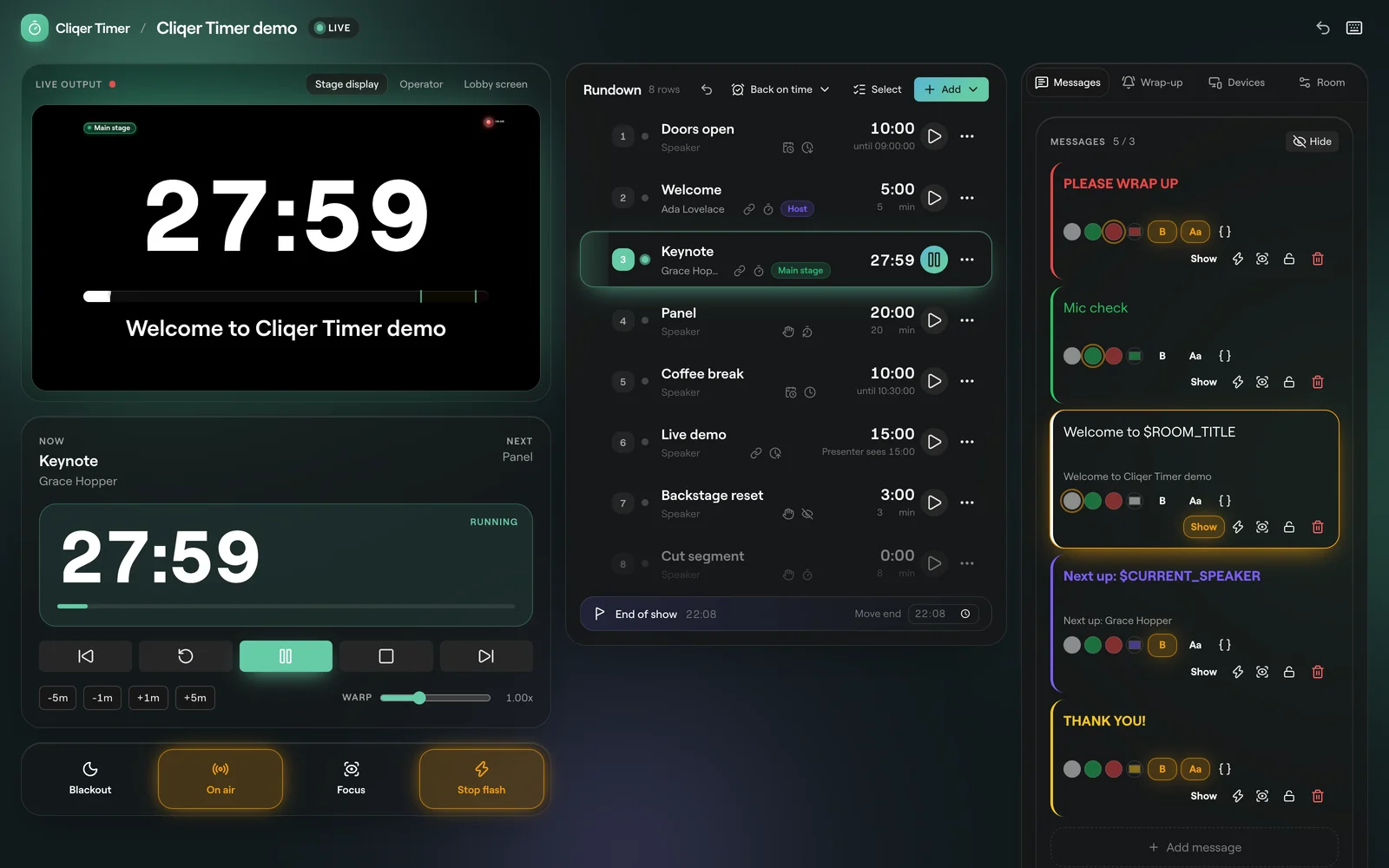
Cliqer Timer is a show timer that runs in the browser. You build a rundown of timers in a room, run it from the control room, and every screen you hand out (the presenter's confidence monitor, the stage manager's tablet, the moderator's laptop, the audience's phones) follows it live.
What is in a room
Rundown
Timers by duration or finish time, linked starts, scheduled starts, day breaks and a live forecast that warns about gaps and overlaps.
Screens and links
One link per role: controller, operator, viewer, moderator, agenda and audience. Short links, QR codes and passwords.
Output designer
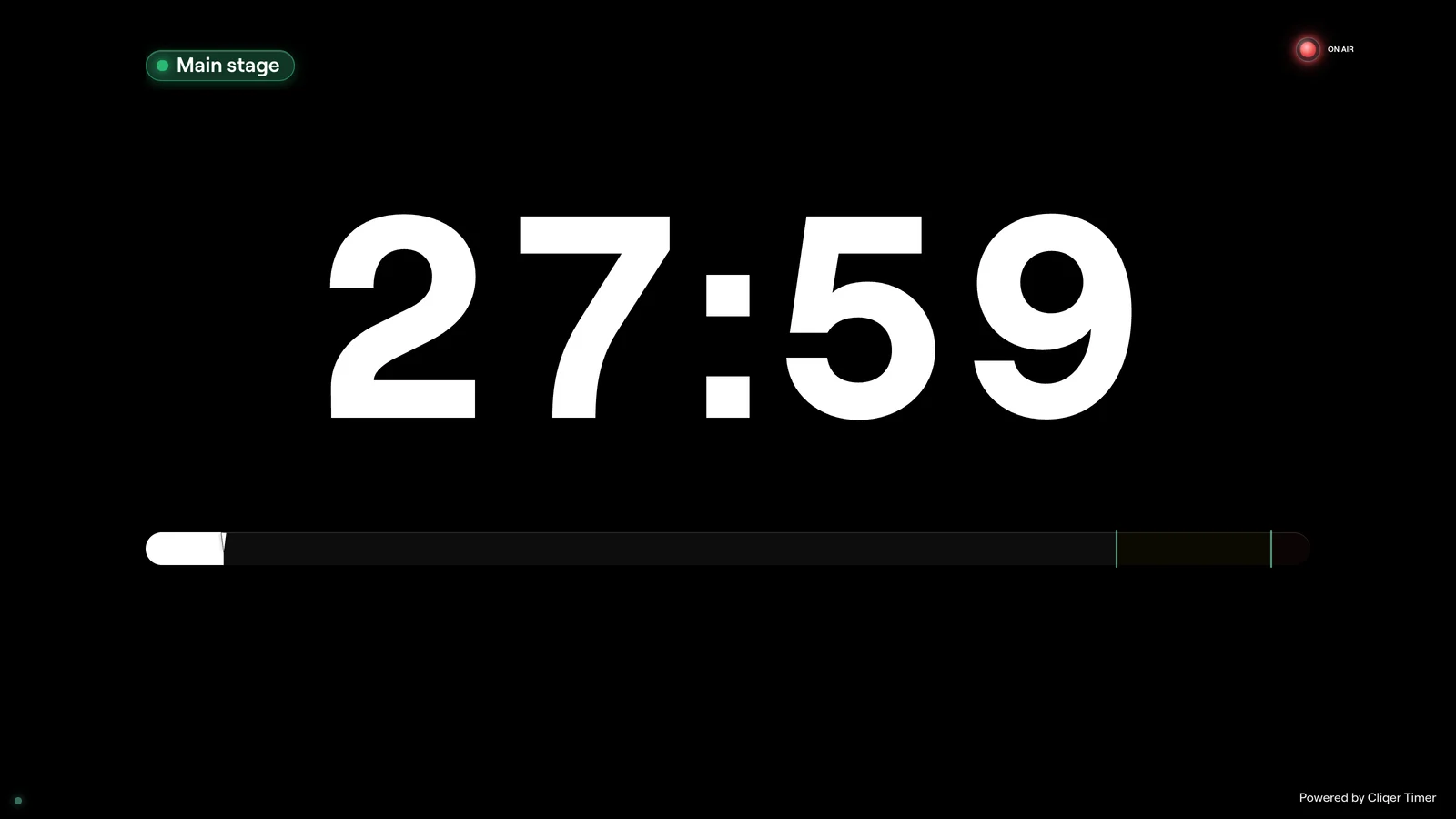
Lay out what each screen shows: timers, clock, messages, progress bars, logos, video and more.
How the pieces fit
Every device in a room talks to one authority over a live connection. The authority holds the room and the clock; screens only show what it sends, so every screen agrees.
The authority is our cloud for a normal room. See Offline and reliability for what happens when a connection drops.
Try it without an account
Open the demo room at https://cliqer.io/timer/r/demo/control. It runs entirely in your browser with a sample show (Doors open, Welcome, Keynote, Panel, Coffee break and more), so you can press Start and try every button. Nothing you do there is saved to an account.