Church
Church adds two title tools to Cliqer Studio, so the readings and the songs are on screen the moment they start.
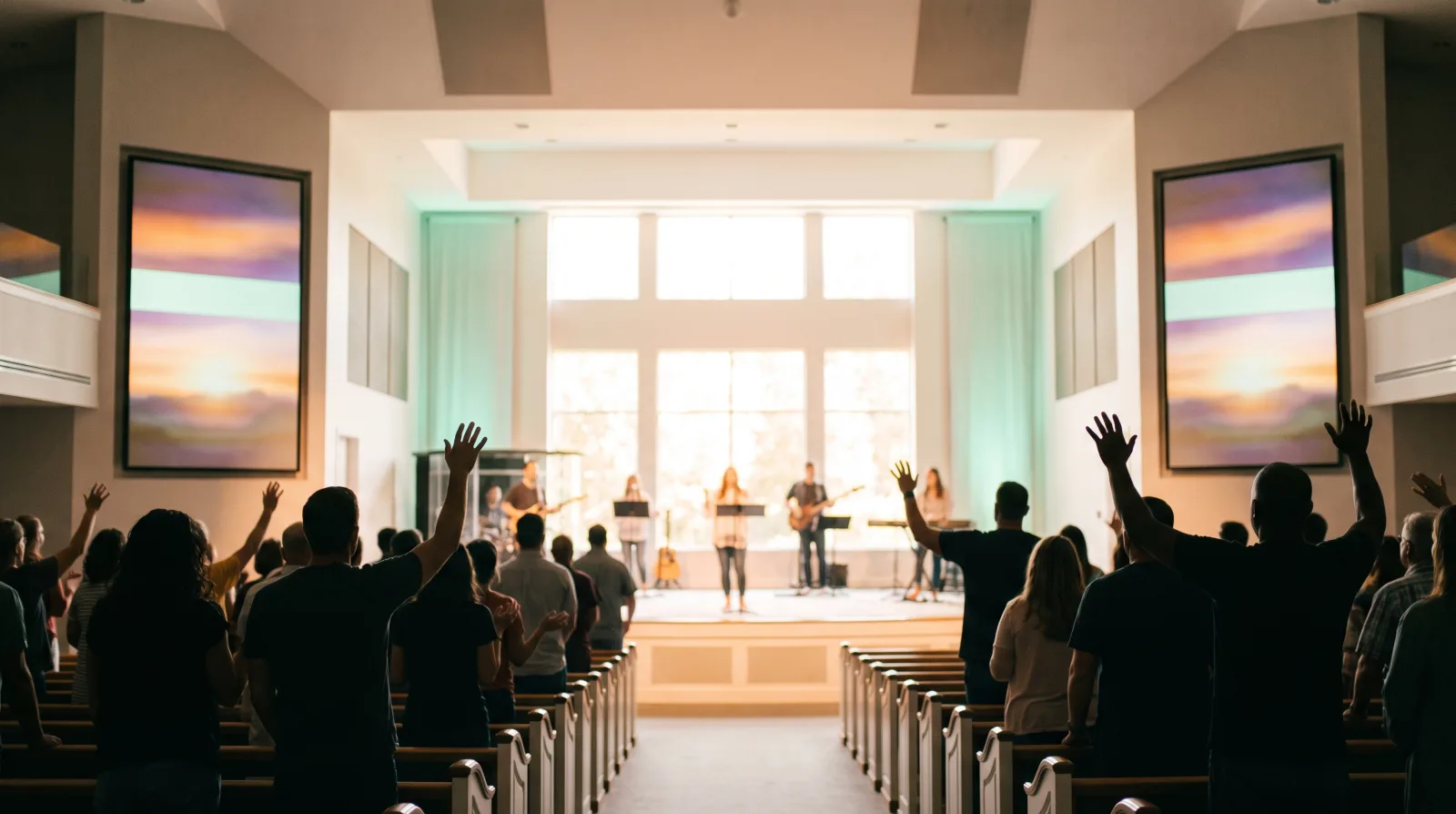
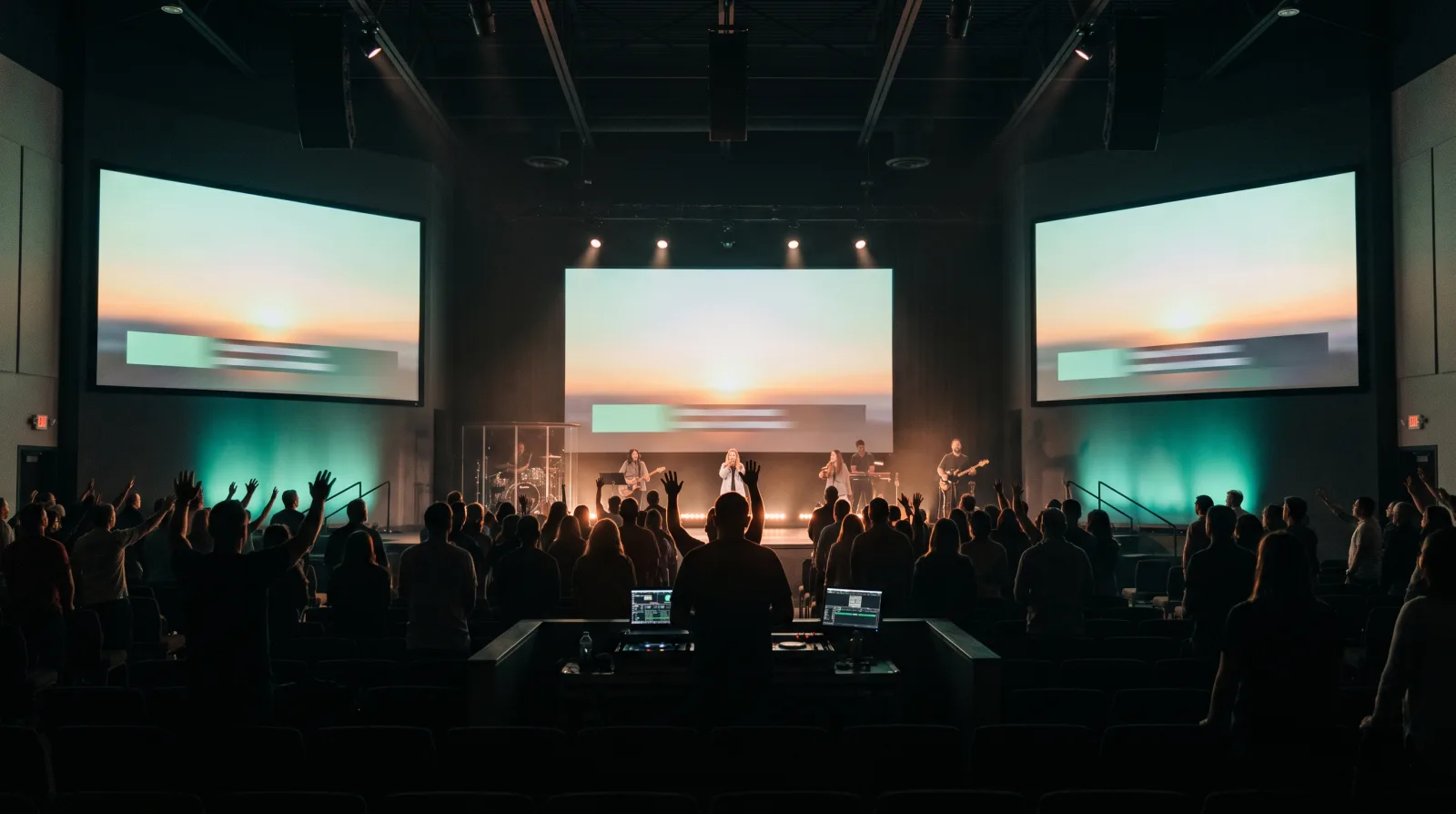
What you get
Scripture
Browse the Bible catalogue, go to a reference or search by keyword, then step verse by verse.
Translations
Pick from several translations, with public domain ones included.
Lyrics
Split a song into sections and step slide by slide as the band plays.
CCLI line
Each song carries its CCLI line for your licence report.
Plans
| Plan | Church |
|---|---|
| Ultra | Buy the add-on |
| Studio, Enterprise | Included |
Church needs Studio titles, so Pro cannot buy it.
Buy it
Open the add-on page
Sign in, then open https://cliqer.io/addons/church.
Pick a term
Week, month, year or one time. Year is selected by default.
Check out
Every seat on the licence gets Church. See Billing per seat.
Use it
Add a title input
Add a title input and select its tile.
Open the panels
The inspector bar shows the Scripture and Lyrics panels.
Go
For Scripture, type a reference or search, then step verse by verse. Open the Translations manager to add translations. For Lyrics, pick a section and step slide by slide.
Select an input
The input card shows the Scripture and Lyrics rows.
Use the Church card
Go to a reference, search, or step through verses and lyric slides.
Add translations
Choose Manage translations.
FAQ
No. Church needs Studio titles, which start on Ultra.
Public domain translations are part of the catalogue.
The first time you pick a translation, Cliqer downloads it (about 1.5 MB, so you need internet once). It then stays on this computer for good.
No. Those Ultra licences keep Scripture and Lyrics.