Replay
Ultra includes replay of one angle: Program. The Replay add-on records more angles, so you can show the moment from the side that tells it best.
What you get
Up to 8 angles
Record replay from up to 8 inputs, not just Program.
Quad
Show up to four angles of one event at once.
Switch while it plays
Play an event from any angle and change angle during playback.
Default angle
The angle every event plays from unless you pick another.
Plans
| Plan | Replay |
|---|---|
| Ultra | Buy the add-on (single angle replay included) |
| Studio, Enterprise | Included |
Buy it
Open the add-on page
Sign in, then open https://cliqer.io/addons/replay.
Pick a term
Week, month, year or one time. Year is selected by default.
Check out
Every seat on the licence gets Replay. See Billing per seat.
If Studio is already running, the angle recordings start as soon as the add-on reaches the licence.
Use it
Open Replay
Open the Replay group in the Dock.
Play an event
Open the Replay Events panel to play an event back, pick its angle or show it in Quad.
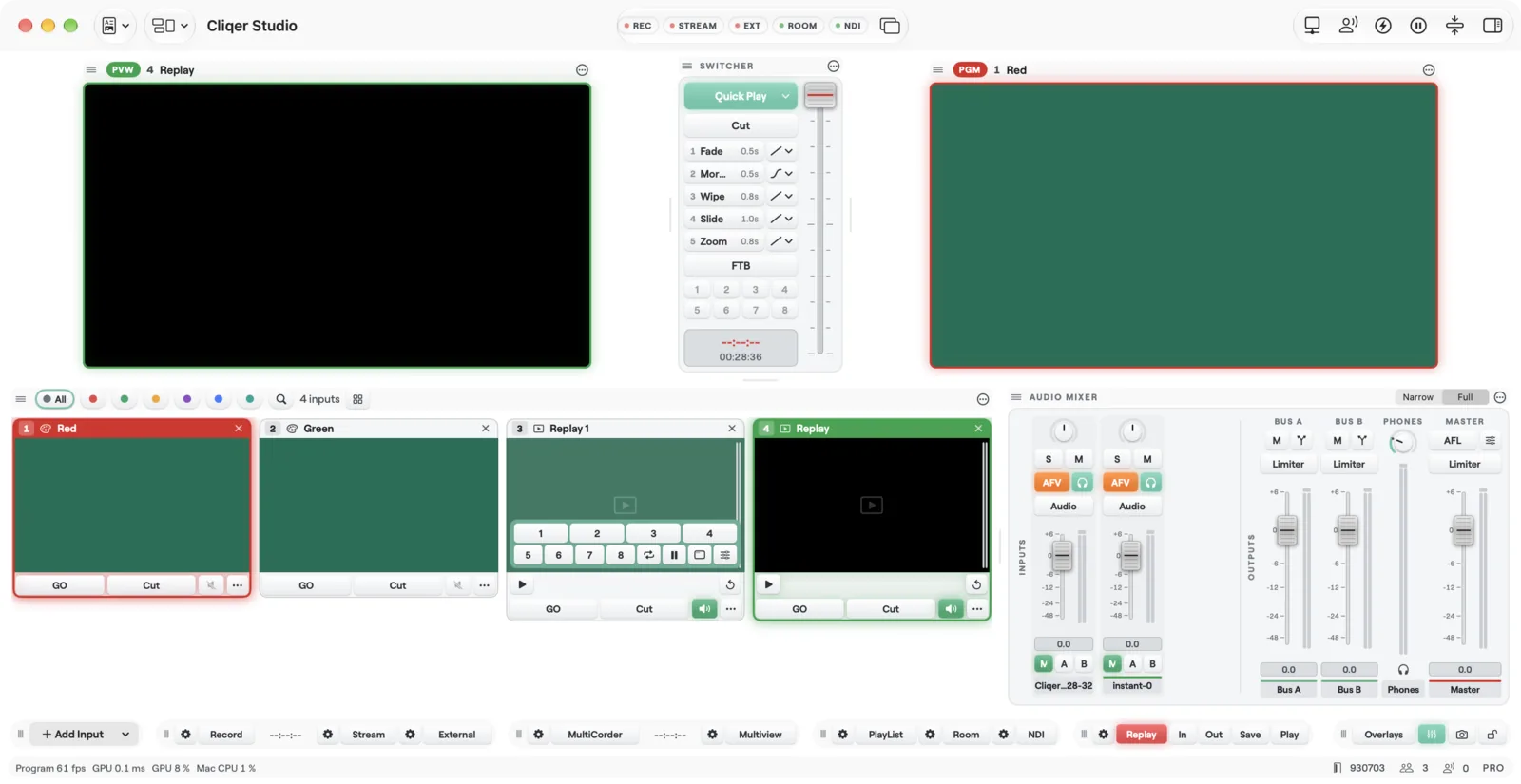
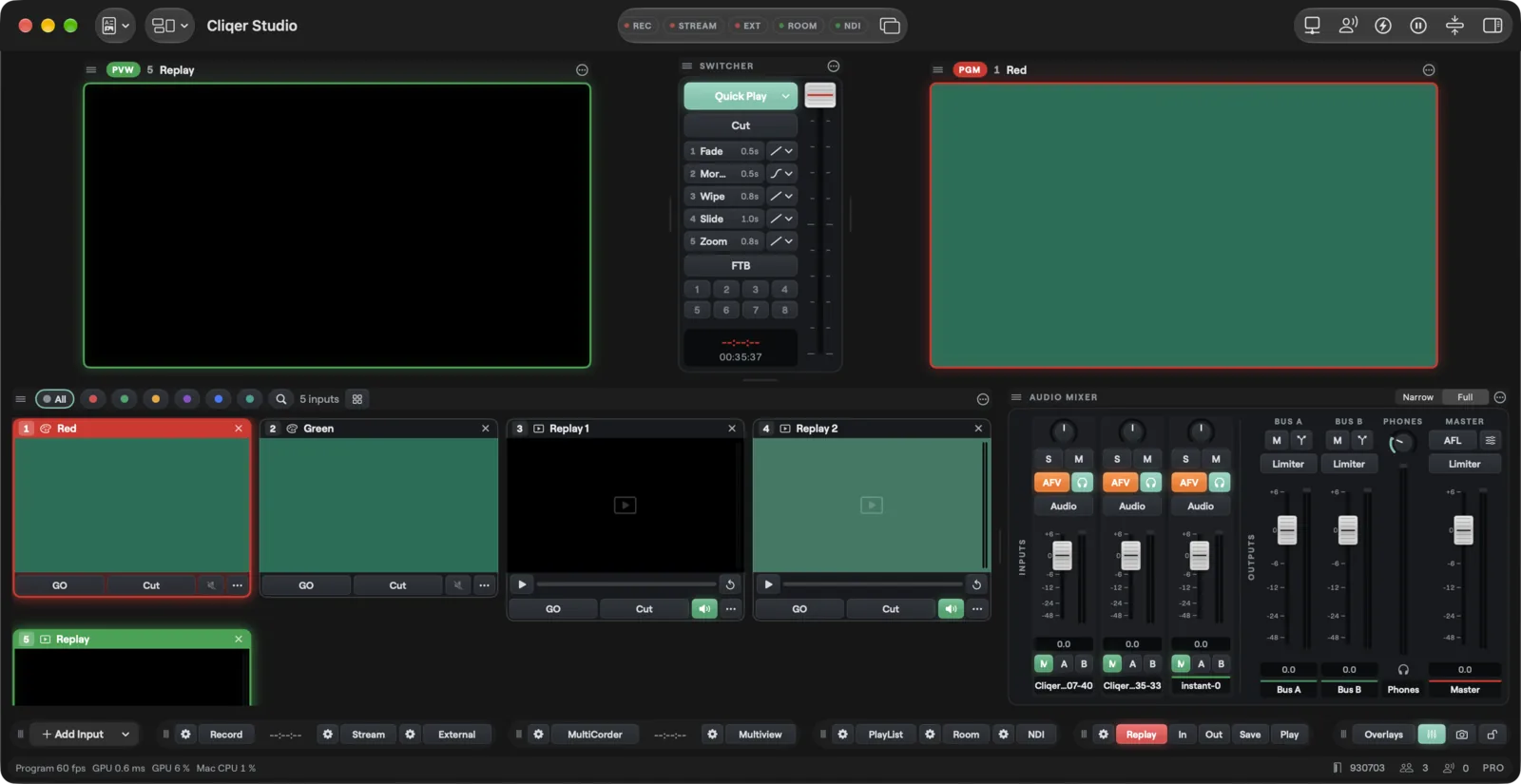
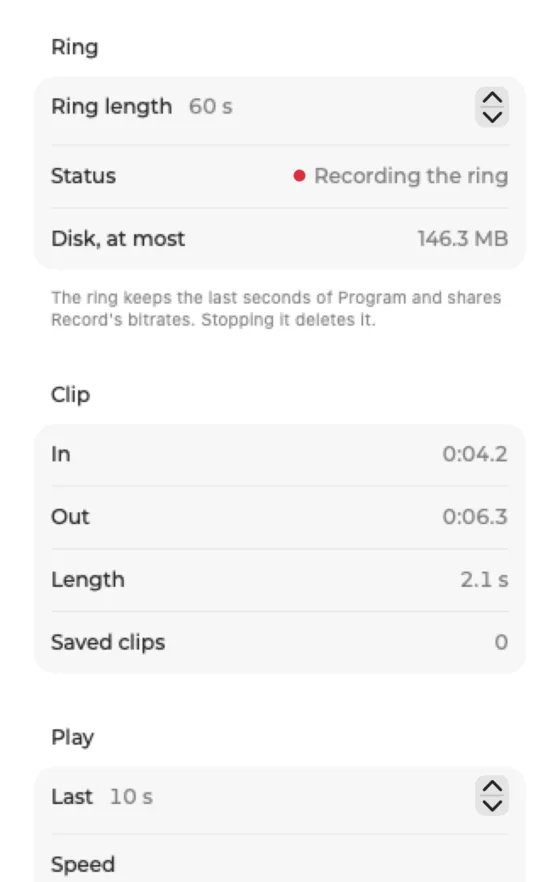
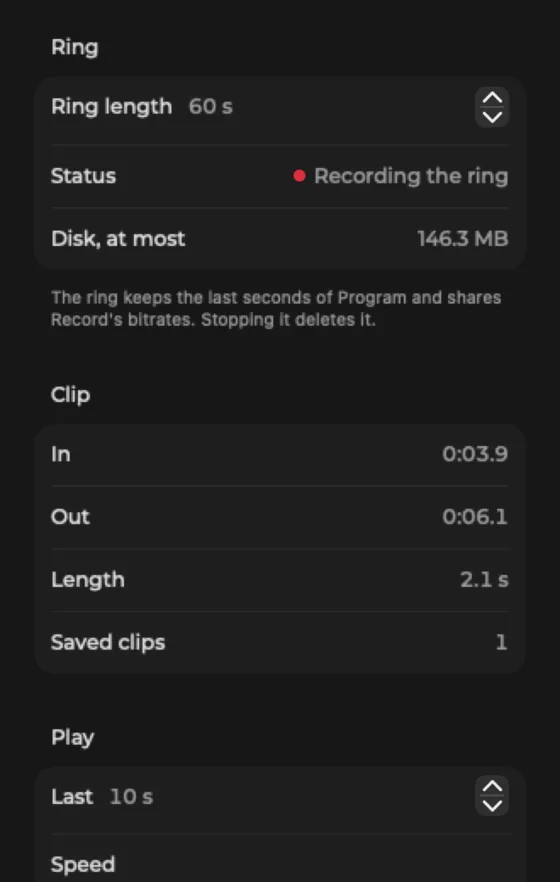
Add the panels
Open Panels and add Replay and Replay Events.
Play an event
In Replay Events, play an event back, pick its angle or show it in Quad.
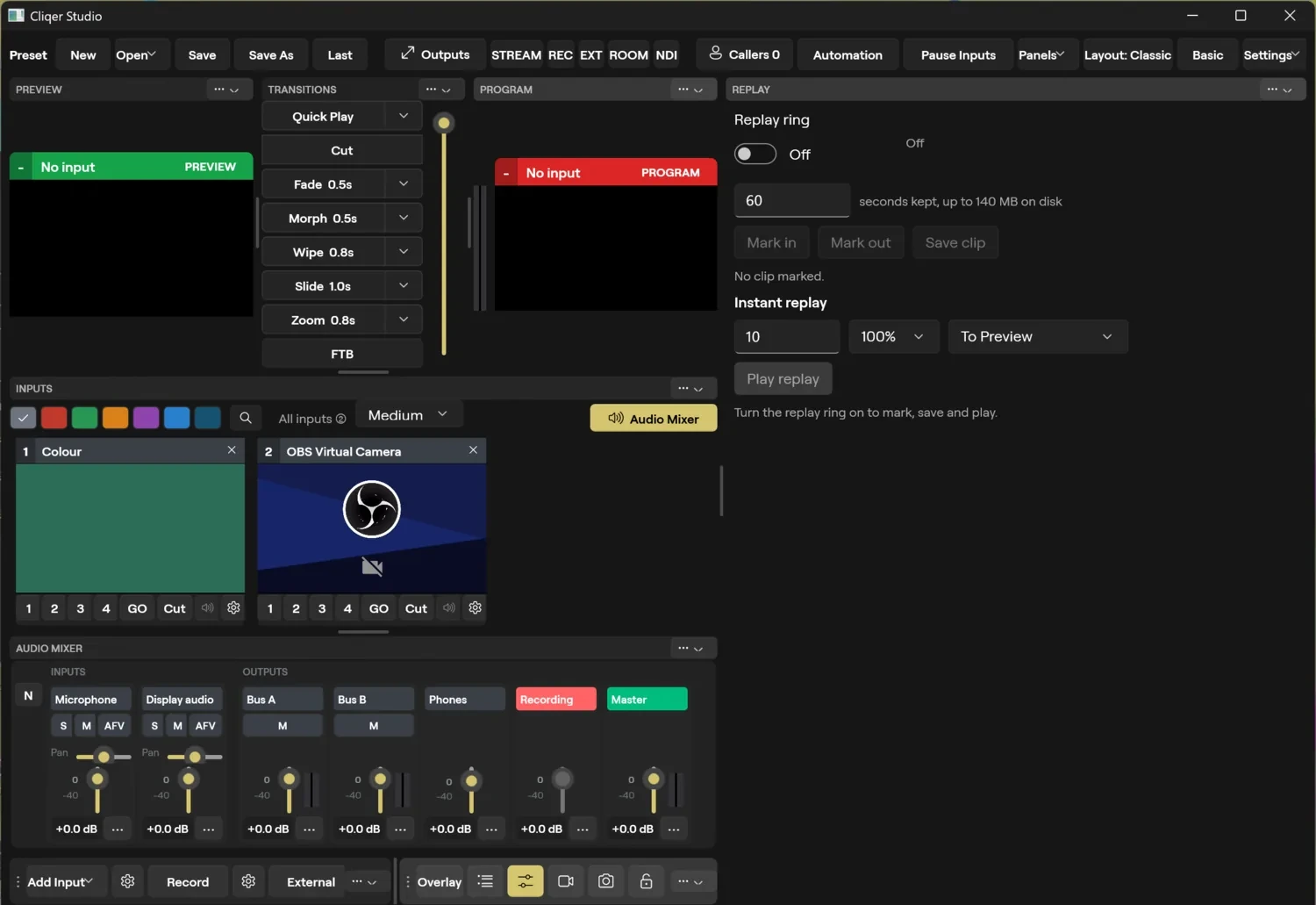
More on replay: Outputs: Replay.
Without Replay
Only the Program angle records. Quad and Default angle are locked and say "Needs the Replay add-on or a plan that includes it. Upgrade on cliqer.io." This is the same on macOS and Windows. On plans without replay at all, the Replay panel is locked with an Upgrade button.
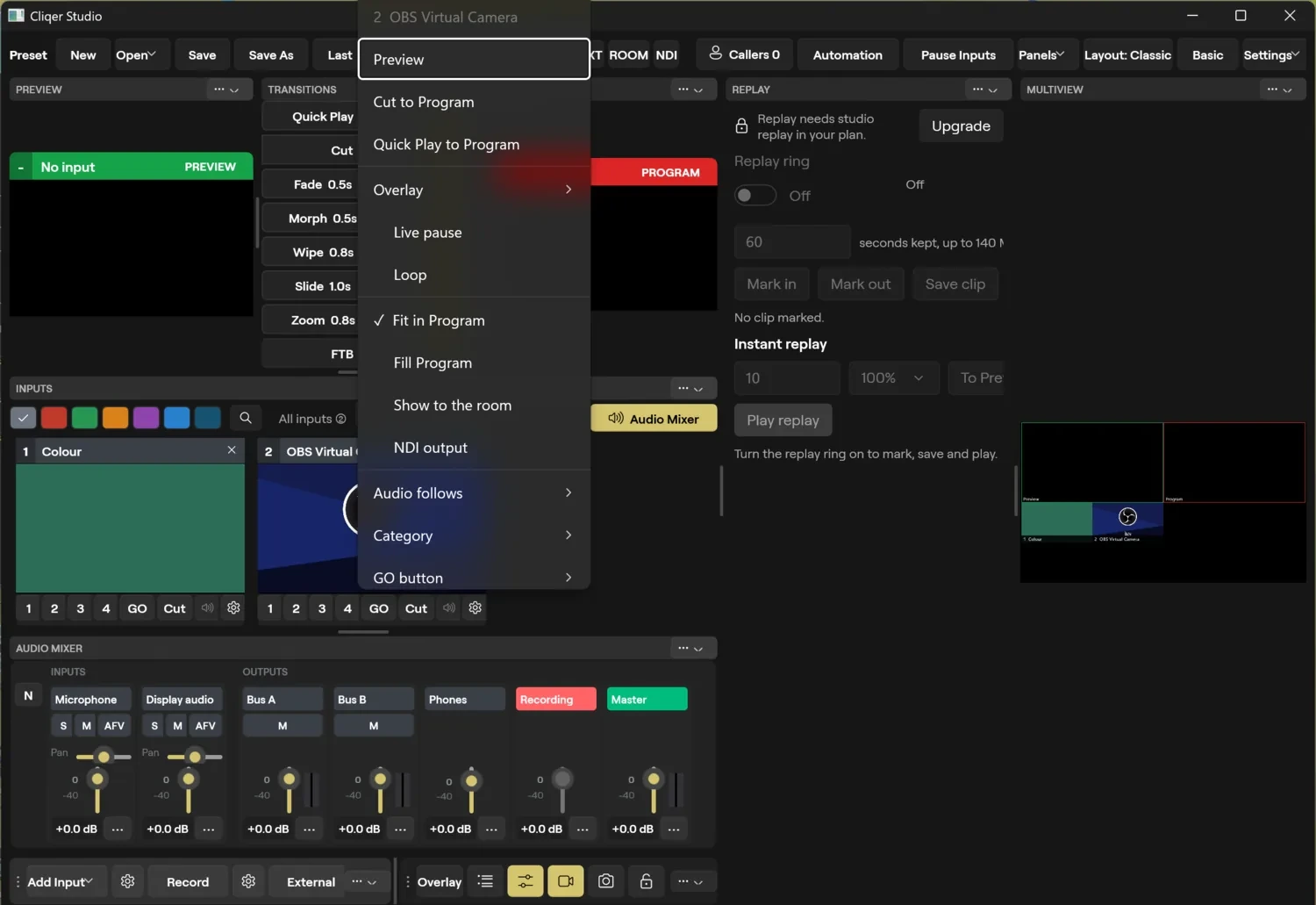
FAQ
Yes, one angle: Program.
Only the Program recording continues.
No. Replay builds on Ultra's replay.
Up to 8 angle inputs. Quad shows up to four angles of one event.