Troubleshooting
Most problems show up as one of a few messages: a link that will not open, a status other than Live, or a change that is refused. Find the words you see below.
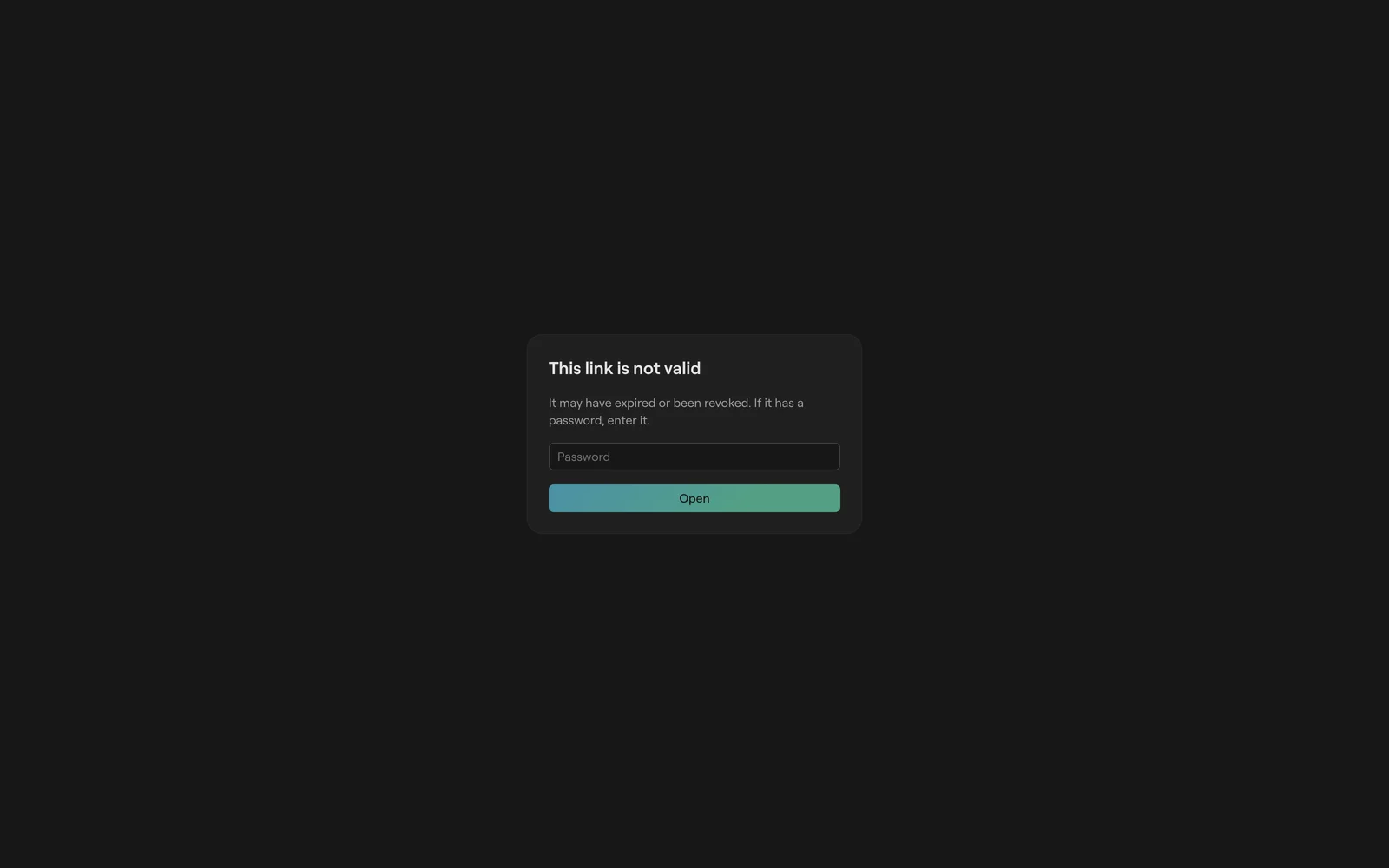
A link will not open
| You see | Why | What to do |
|---|---|---|
| This link is not valid | The code is unknown, revoked or expired, or the link has a password. | If it has a password, enter it and click Open. Otherwise ask for a new link from Devices in the control room. |
| That password does not open this link. | The password is wrong, or the link stopped working. | Check the password with whoever sent it. |
Check the address
Short links look like https://cliqer.io/t/<code>. A missing or extra letter makes a different code.
Ask for a fresh link
The room owner can revoke a link, and a revoked code never comes back. A new link from Devices works at once. See Screens and links.
Enter the password
A password is asked on the page, never put in the address. Once it opens, a reload in the same tab rejoins without asking again.
The status is not Live
The pill next to the room title in the control room shows the connection. See Offline and reliability for the full picture.
| Status | Why | What to do |
|---|---|---|
| connecting | The page is joining the room for the first time. | Wait a moment. If it stays, check the network. |
| offline | The connection dropped. Screens keep counting from what they last had. | It reconnects by itself and catches up. Changes made meanwhile are not kept, so make them again once it says Live. |
| stale | The room moved on under this page. | Nothing: the next full copy of the room puts it back in step. Reload if it stays. |
| readonly | The room is read only, or this page may not change it. | See below. |
A change is refused
Read only
A room turns read only when your account holds more rooms than your plan allows; the oldest rooms stay writable. Move rooms you no longer need to trash, or upgrade. A page opened from a viewer or other limited link is read only too. See Plans and limits.
Limit reached
Adding a timer, message, output or room past your plan's limit is refused, and the button is greyed out where the page knows it. A device that joins a room that already has as many connected devices as the plan allows is turned away; close a screen you no longer need. See Plans and limits.
The live demo will not start
Try it live on https://cliqer.io/timer makes a demo room on the server. Each address can make three an hour, and only so many demo rooms run at once. Past either, the page says The live demo is busy. Try again in a minute. The demo room in your browser still works without it.
The API refuses a call
Every API answer says why in message. The full list of status codes is in API and integrations.
| Status | Most likely |
|---|---|
| 401 | No key, a wrong key, or a key without that permission. |
| 403 | The API is not in the plan, or the room is read only or at a limit. |
| 409 | The room moved on. Send the call again. |
| 429 | More than 100 calls a minute on one key. |
| 503 | The room's offline desktop host cannot be reached. |
FAQ
It catches up as soon as it reconnects, as the room sends the whole state on every join. If it does not, reload the page.
Deleted rooms go to trash for 30 days. Restore it from trash on your rooms page, unless you are at your room limit.
Each event is sent once, with no retry. Check the address is https, public and answers within 5 seconds. See Webhooks.