Designer
Designer lets you choose what presenters see when they open your room: where the slides, notes, timer, video, buttons and logo sit, on every device.
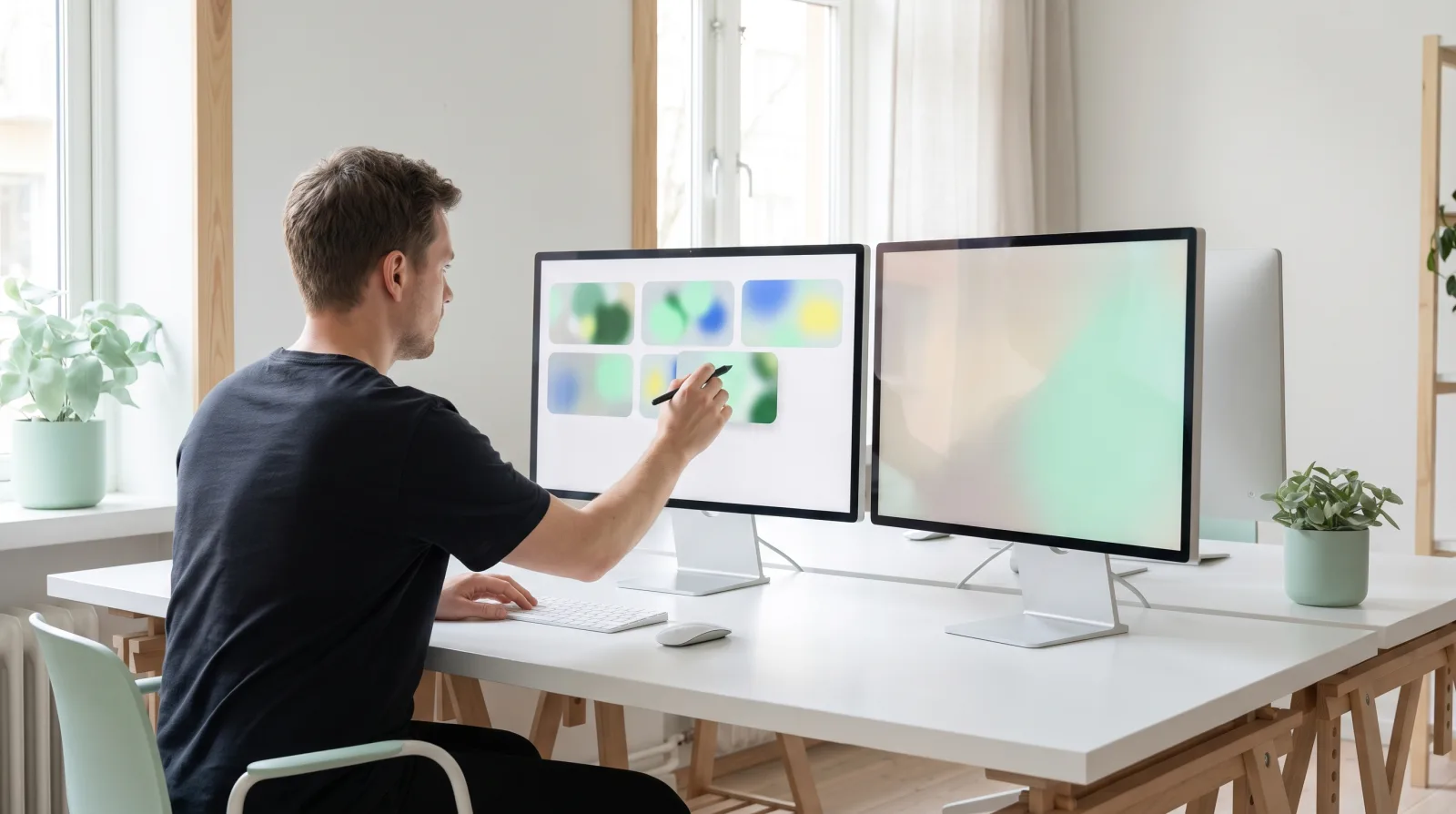

What you get
Start from a preset
Presentation, Speaker notes, Video focus or Big buttons.
Place every element
Drag, resize and snap video, slide notes, the timer, the logo and the back and next buttons.
Every device
Preview on desktop, tablet and phone, with a separate portrait and landscape layout.
Live in every room
Save once and open presenter screens in your live rooms update straight away.
Plans
| Plan | Designer |
|---|---|
| Pro, Ultra | Buy the add-on |
| Studio, Enterprise | Included |
Designer works on the web dashboard. There is nothing to set up in the desktop apps.
Buy it
Open the add-on page
Sign in, then open https://cliqer.io/addons/designer.
Pick a term
Week, month, year or one time. Year is selected by default.
Check out
Every seat on the licence gets Designer. See Billing per seat.
Use it
Open Designer
In the dashboard, choose Designer: https://cliqer.io/dash/designer.
Lay out the view
On the Layout tab, pick a preset and a device, then drag and resize each element. Undo steps back one change.
Save
Save, and presenters in your live rooms see the new layout at once. Copy the embed snippet to put the room on your own site.
The Branding tab (https://cliqer.io/dash/designer?tab=branding) sets colours and logo. These come with your plan, not with Designer. For the full editor, see Room Designer.
FAQ
No. Designer is set in the web dashboard and applies to the room.
No. Studio and Enterprise include it.
Designer locks when the period ends, and rooms go back to the standard layout.