
Add-on
Layout Designer add-on
Design the screen your presenters see.For producers who want every presenter screen laid out their way.
What Layout Designer adds
Room layout designer
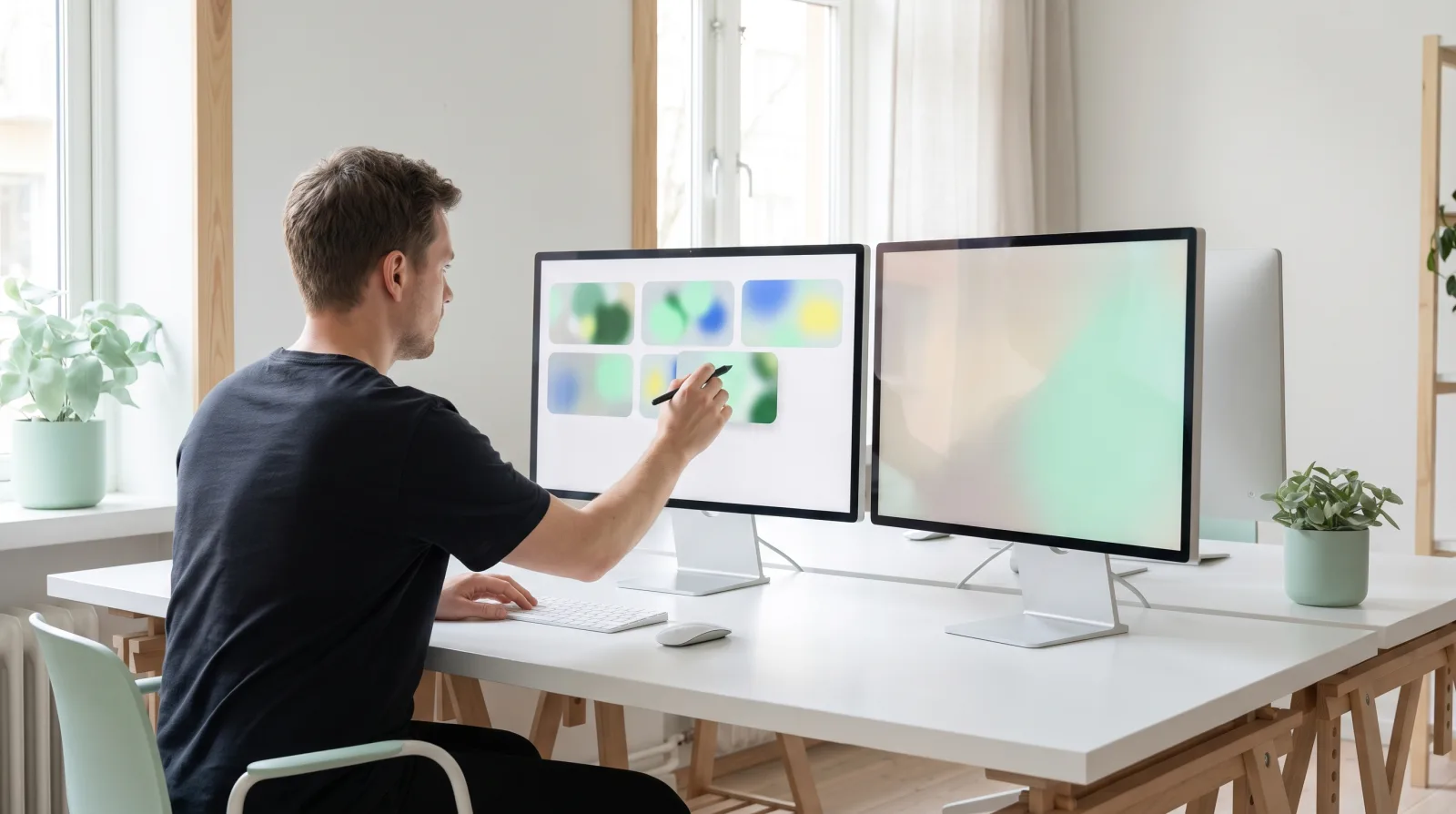
Choose where slides, speaker notes, the timer and video sit in the presenter view, so each presenter sees what matters most in your room.


Start from a preset
Presentation, Speaker notes, Video focus or Big buttons, then make it yours.
Place every element
Drag, resize and snap video, slide notes, the timer, the logo and the back and next buttons.
Preview each device
See the layout on desktop, tablet and phone before anyone joins.
Portrait and landscape
Each orientation keeps its own layout, so phones look right either way up.
Embed it anywhere
Copy a ready made embed snippet to put the room on your own site.
Live in every room
Save once and open presenter screens in your live rooms update straight away.
Add Layout Designer to your plan
Add it to Pro or Ultra. Priced per seat, so every seat on your licence gets it.
£5.99
per seat per week
£12.99
per seat per month
Best value
£99.99
per seat per year
£199
per seat, one time, yours for good
Sign in to add Layout Designer to your licence.Sign in to buy
Already included in Studio. Compare plans
Layout Designer questions, answered
Which plans can add Layout Designer?
Pro or Ultra. Studio already includes it.
How does per seat pricing work?
The price is for each seat on your licence, and every seat on that licence gets Layout Designer.
Can I cancel?
Yes, any time from Billing in your dashboard. It stays active until the end of the period you paid for.
What if I change plans?
Layout Designer works on Pro or Ultra. Move to a plan without it and it switches off.




Ready to add Layout Designer?
Choose where slides, speaker notes, the timer and video sit in the presenter view, so each presenter sees what matters most in your room.