
Education
Student Presentations: Classroom Tech That Removes the Friction
Classroom tech that lets students present from their own seat, with no cable swaps or logins eating into class time.
Hybrid lectures ask a lecturer to do two jobs at once: teach the room and teach the stream, without either audience noticing the seam. Most of what makes that hard is not pedagogy, it is plumbing: who controls the slides, what the remote students actually see, and what happens when the lecture theatre's AV desk is three floors away from the person presenting.
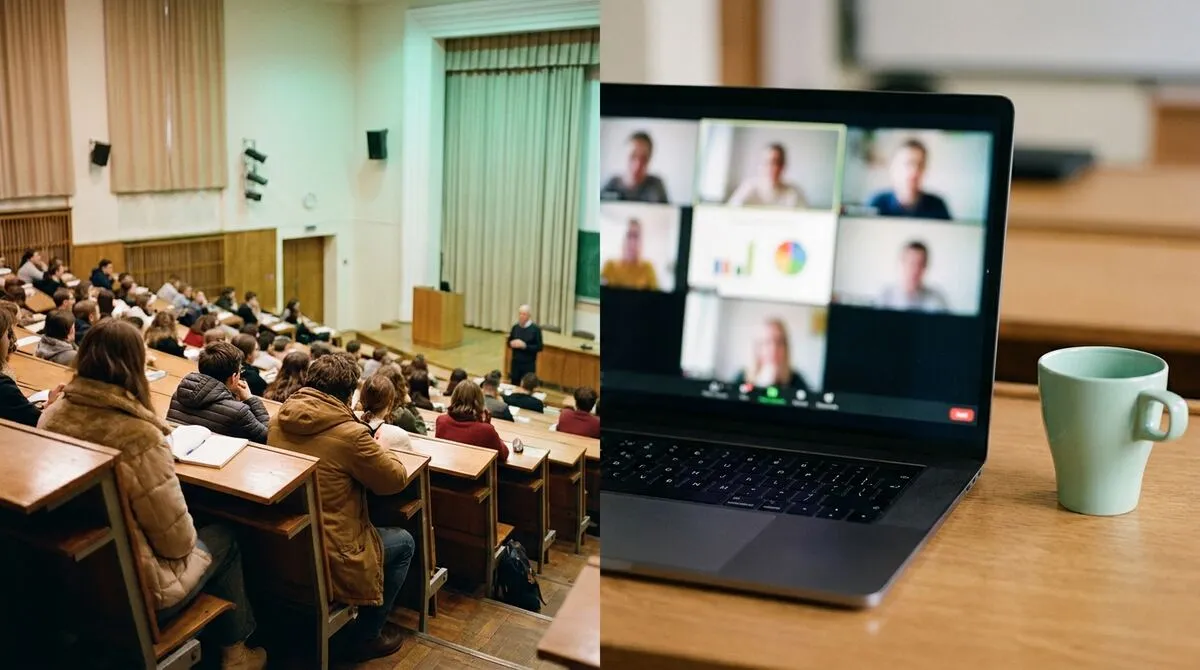
A hybrid meeting has one speaker and a handful of participants. A hybrid lecture has one lecturer, a room full of students, and a remote cohort that can be just as large, sitting behind a much worse view of the whiteboard and much weaker sightlines to the slides. The failure modes are specific to teaching:
The single highest-leverage fix is decoupling slide control from the lectern. Cliqer's desktop app hosts the room on the lecture theatre's AV computer and drives PowerPoint, Keynote or Google Slides directly, while the lecturer controls it from their phone as they move around the room. That single change removes the most common stumble in hybrid teaching: a lecturer stuck behind a podium because that is the only place the slides advance from.
Setup for a typical lecture theatre:
Full walkthrough in how to use Cliqer. For lecturers who specifically want to stop presenting from behind a lectern, leave the lectern covers the delivery side of this same change, and the phone clicker for lecturers goes deeper on the device itself.
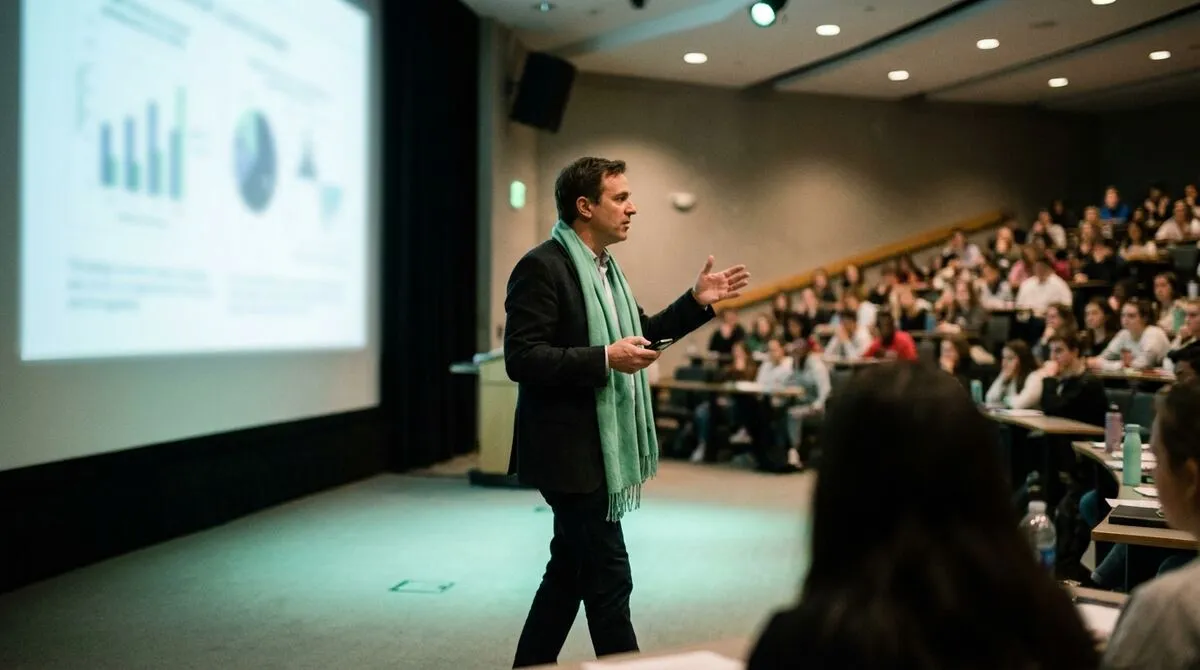
Guest lecturers dialling in from another institution are common in hybrid teaching, and they run into the same problem as any remote speaker: no reliable way to control their own slides, and no clean way to appear on the room's screen. Cliqer's Studio lets you bring a guest already in the room's link onto a video call, and route their camera to the room's screen, a recording feed, or both. See bringing remote guests on stage with live callers for the setup, and the complete guide to hybrid events with remote speakers for the wider pattern this follows outside the classroom too.
| Setup | Who controls slides | Remote guest video | Good for |
|---|---|---|---|
| Lecturer at podium, wired clicker | Lecturer, from the podium only | N/A | Small rooms, single presenter, low budget |
| Lecturer roaming, phone clicker | Lecturer, from anywhere in the room | N/A | Large theatres, active teaching style |
| Guest lecturer joins remotely | Guest, from their own device | Live, via Studio | Cross-campus or international guest lecturers |
| Co-taught session, two lecturers | Either, handed off between them | N/A | Team-taught courses, seminars |
Most hybrid lectures get watched back at least as often as they are attended live. A clean screen share and a readable slide feed for remote students during the session also make for a better recording afterwards, since you are not relying on a camera pointed vaguely at a projector screen. Students catching up later, revising for exams, or watching from a different time zone all benefit from the same clean feed the remote cohort got live.
If accessibility is part of your brief, and for university teaching it usually should be, accessible presentations is worth reading alongside this guide. Captioning and screen-reader-friendly slide decks matter for both audiences, in the room and remote, and a readable direct feed makes captioning tools far more reliable than trying to caption a camera pointed at a projector screen from across a theatre.
University AV support is often centralised, and the person who can fix a frozen slide deck may be a phone call and a ten-minute walk away, not a shoulder tap. Two things reduce how often you need them:
Corporate training for mobile trainers
The same roaming-clicker pattern applied outside the university lecture hall.
No. Only the lecture theatre's AV computer needs the Cliqer desktop app installed, since that is what hosts the room and drives the slideshow. The lecturer's phone, and any guest lecturer's device, join as presenters through a browser link with nothing to install.
Only the people you share the presenter link with can advance slides. Students watching, whether in the room or remote, do not need a link at all unless you specifically want to hand over control, for example during a student presentation segment.
Connections try a direct path first and fall back to an encrypted relay automatically when a network blocks it, which covers most restrictive campus firewalls without any configuration. For a total outage, a backup host machine and a printed slide PDF are the practical last resort.
Yes for slide control and screen sharing, which scale to however many people are watching. Live video callers and multi-host redundancy have plan-based limits on simultaneous sources, worth checking against your cohort size on pricing.
Start with Cliqer's free plan and test the clicker and screen share in an empty lecture theatre before your first live hybrid session. For departments running guest lecturers regularly or recording every session, multi-host presentations and the full pricing breakdown cover what a department-wide setup needs.
The Hybrid Event Tech Stack: What You Actually Need
The hybrid event tech stack that earns its place on the tech table, from slide control to NDI output and backup gear.
Worship Slides and Lyrics: Remote Control for Churches
Run worship slides and lyrics from anywhere in church: remote control for volunteers, no laptop tethered to the stage.
Keep reading

Practical guides for presenters, AV crews and event teams, plus the Cliqer releases that matter. No spam, one click to leave.