

Hybrid Events
How to Advance Slides for a Speaker in Another Country
Advance slides for a speaker in another country: setup, what latency to expect and the backup plan if the link drops.
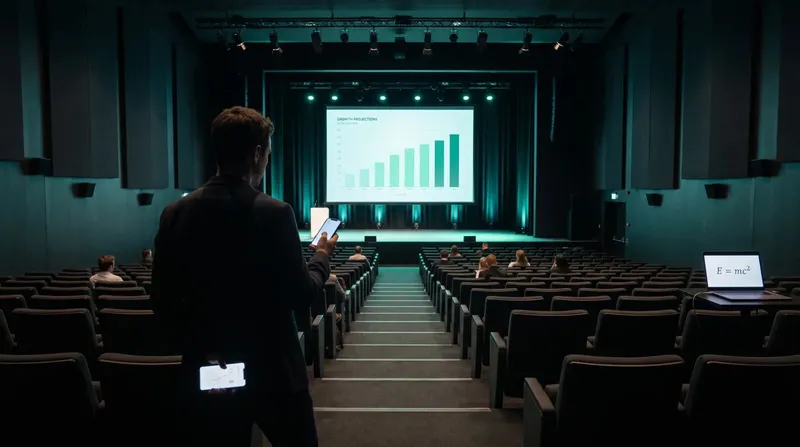
The scariest moment in a live presentation is the one where the host machine stops responding and there is no plan B. Multi-host presentations solve that by letting more than one computer run the same room at once, either as a live backup or as a way to run the identical deck across several physical locations from a single set of clicks.
Cliqer supports multiple simultaneous host machines in a single room. Each host receives every presenter's commands over its own independent connection, and each one advances its own local copy of the presentation on every click. That last detail matters: it is what makes a backup host's deck sit on the correct slide the entire time, ready to take over instantly, rather than needing to catch up after a failover.
Cliqer elects one host as Primary, which forwards clicks for the room and takes screen-share priority, while the rest run as Secondary hosts on standby. If the Primary disconnects, a Secondary is elected within the same session and presenters notice nothing, because their connections to the remaining hosts were never dropped in the first place.
This is the setup most teams reach for first: two identical machines running the same deck, one active and one ready to take over. It is the standard answer to "what if the laptop dies mid-keynote."
Best practice worth calling out specifically: run backup hosts on separate physical machines. Two Cliqer instances on the same computer both try to drive the same focused presentation window, so clicks would double-advance one deck instead of giving you real redundancy.
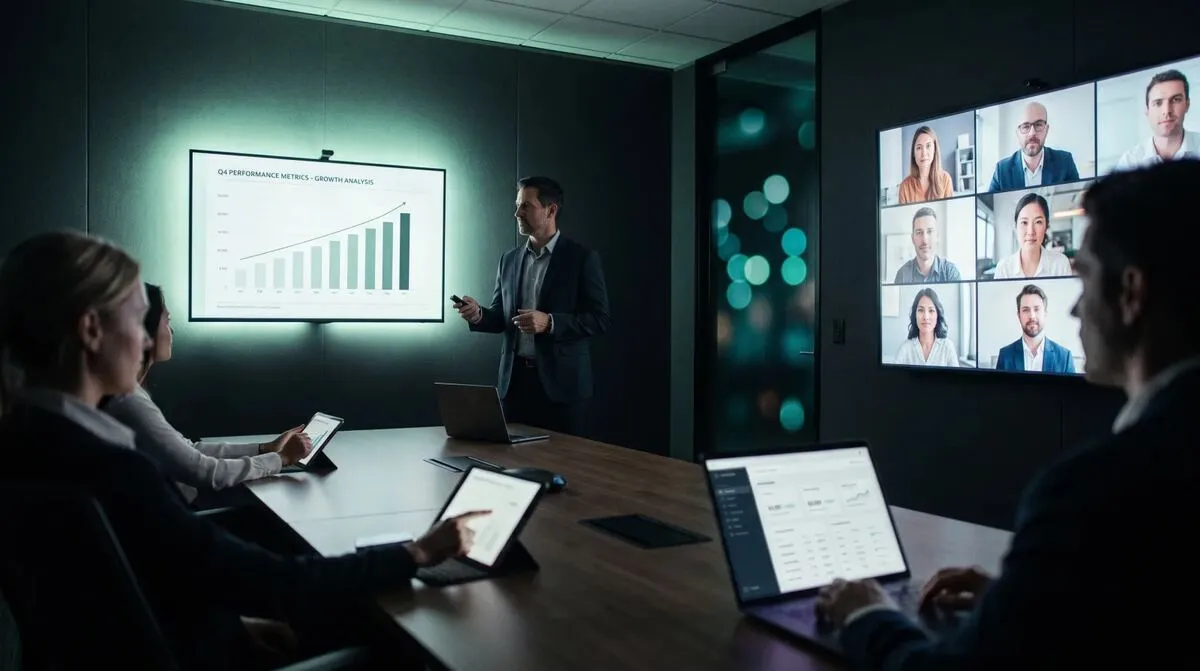
Beyond backup, multi-host also covers a different problem: driving several different screens from one presenter's clicks. A main projection screen, a confidence monitor for the speaker, a video playback machine and an LED wall controller can all be separate hosts in the same room, each receiving every click and executing it on its own presentation or content.
| Host | Role | What it drives |
|---|---|---|
| A | Primary | Main projection, screen share to the room |
| B | Secondary | Confidence monitor for the speaker |
| C | Tertiary | Video playback or supplementary content |
| D | Quaternary | LED wall or secondary display system |
The use case with the most obvious payoff for event producers: a single presenter controls identical presentations running in several physical locations at once, a main hall and one or more overflow rooms, or a conference session mirrored to a second venue entirely. All hosts join the same room code, and the presenter's device connects to every one of them through its own connection. This is close to what running hybrid events with remote speakers describes for a single remote speaker, extended to multiple physical rooms instead of one room plus a remote audience.
This is also the backbone of a good hybrid event tech stack: once you have more than one venue or screen to serve, multi-host is usually the layer that ties them together rather than a separate tool for each room.
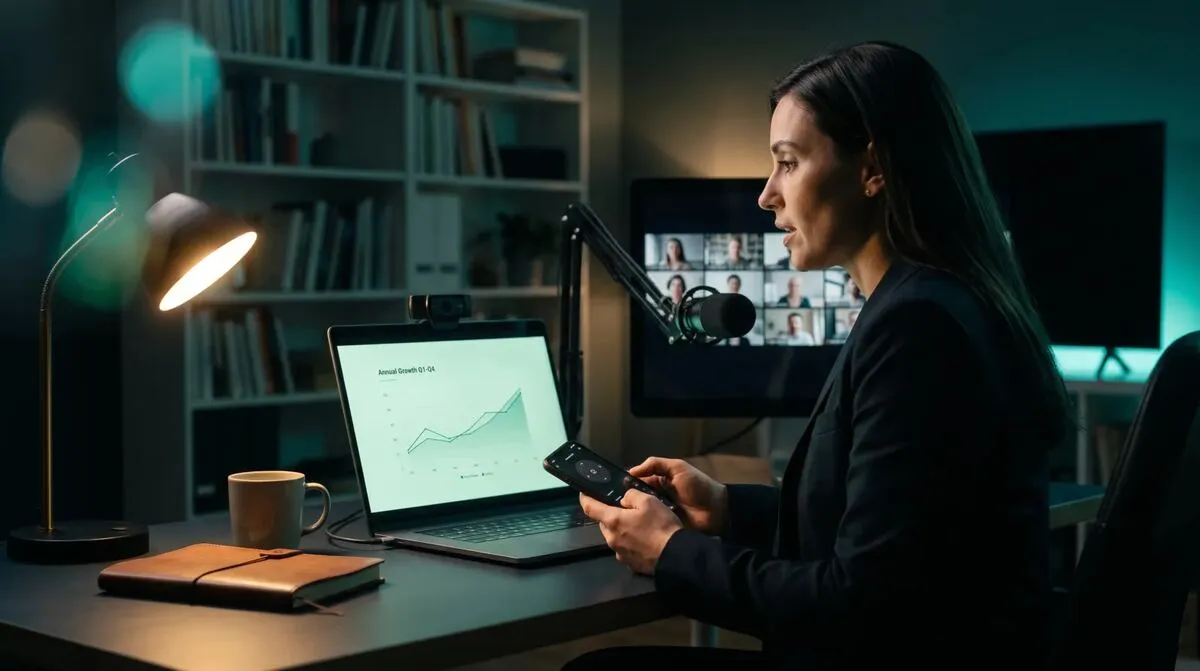
Each host in a multi-host room can share its own screen independently, and presenters with more than one incoming stream see a grid and can select which one to watch. That is useful when a backup host's screen share needs to take over instantly if the primary's stream drops, since presenters simply see the backup's feed appear rather than a blank screen. New viewers get a cached keyframe on join instead of waiting for the next periodic keyframe, so a mid-session failover does not mean a black square for a few seconds.
Multi-host and live callers solve different problems and often show up in the same production. Multi-host gets the deck itself to survive a machine failure or run across rooms; callers bring remote guests onto the screen as video. See bringing remote guests on stage with live callers for the video side, and why we moved off Cloudflare for the reliability thinking behind building solid failover in the first place.
Larger rental and staging outfits often already run dedicated show control software alongside their presentation tools. If that describes your setup, rental and staging software for show control covers how a redundancy layer like this slots in next to it rather than competing with it.
Adding a backup or additional host does not mean maintaining two copies of a deck by hand. Once the presentation file sits on both machines, either through a shared drive or simply copied over before the event, both hosts run it independently and stay in sync through the clicks themselves, not through any file syncing. The only discipline required is making sure both machines have the same version of the file loaded before the room goes live, which is worth adding to a pre-event checklist rather than trusting memory on the day.
Running hybrid events with remote speakers
The complete guide to the single-remote-speaker case this pattern extends.
No, any Mac or Windows machine running the Cliqer desktop app can act as a host. What needs to match is the presentation file itself, so every host advances to the same slide on the same click.
Every simultaneous host machine uses one seat on your license, so the practical limit is however many seats your plan includes. Check pricing for seat counts across plans.
A Secondary host is elected Primary within the same session, and presenters keep their existing connections to the remaining hosts throughout. There is no reconnect step on the presenter's side.
No, this is the one setup to avoid. Two Cliqer instances on one machine both drive the same focused window, so clicks would double-advance a single deck rather than provide real backup. Use separate physical machines.
Cliqer's free plan is enough to test a two-host setup on your own gear before an event depends on it. For teams running regular multi-room or backup-critical shows, see pricing for seat counts, or read the multi-host setup guide for the full technical reference.
Controlling Keynote Remotely: Every Option Compared
Apple Remote, the Keynote Remote app or an internet clicker? Every Keynote remote option compared, and when to use each.
What to Do When Your Slides Freeze Mid-Presentation
A calm plan for when your slides freeze on stage: what to check first, how to keep talking and how to recover fast.
Keep reading

Practical guides for presenters, AV crews and event teams, plus the Cliqer releases that matter. No spam, one click to leave.