
Live Production
NDI Explained: IP Video for Event and AV Teams
NDI in plain terms: how it moves video over a normal network and how event teams use it for timers, cameras and callers.
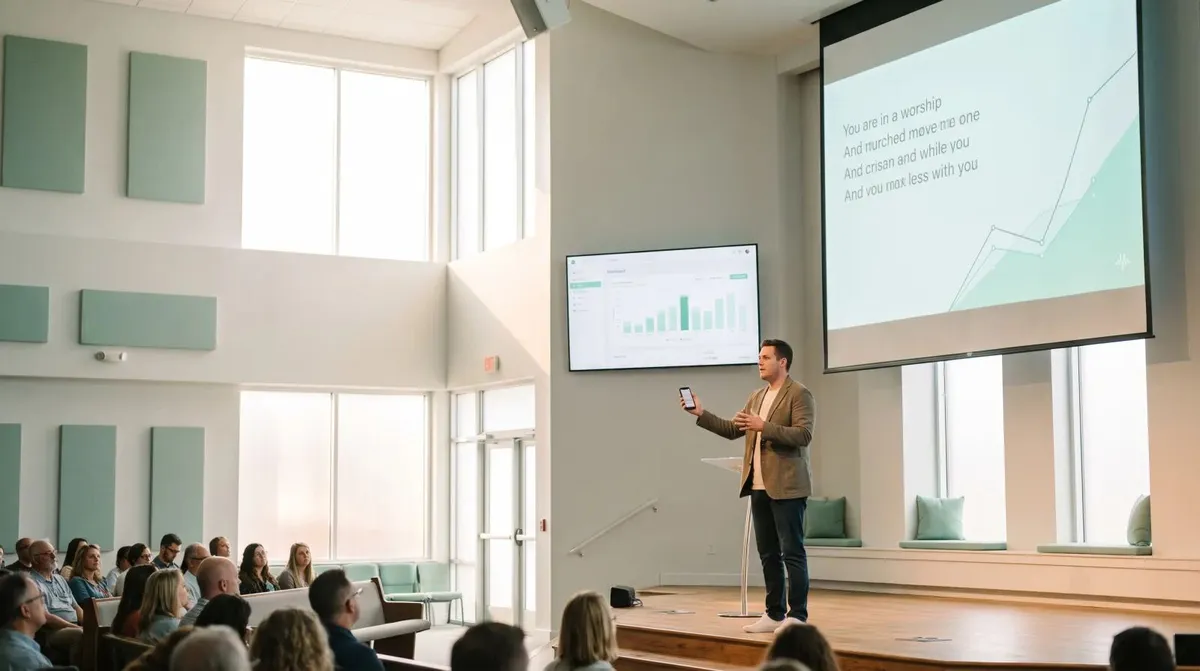
Most churches run worship slides the same way: a volunteer sits at a laptop at the back of the sanctuary, watching for the worship leader's cue to change the slide. It works, but it ties a volunteer to a chair, adds a lag between the cue and the change, and falls apart the moment that volunteer is sick or the laptop needs a reboot mid-service. Remote control fixes the actual problem, not just the symptom.
A dedicated slide operator watching from the back of the room is a reasonable setup, and plenty of churches run it well. The friction shows up in smaller, less obvious ways:
None of that requires new hardware to fix. It requires taking slide control off a single fixed laptop and putting it wherever it is actually needed.
Cliqer runs on a Mac or Windows computer connected to the projector or screen, the same machine already running your worship software, and lets anyone with a link control it from a phone. That means the worship leader, a stage manager, or the volunteer who used to sit at the laptop can all advance slides from wherever they are standing, aisle included.
Setup for a typical Sunday:
Full steps in how to use Cliqer. Because it works over the open internet rather than a local cable, the same clicker that controls slides from the front row also works for presenters who are not tied to a stage at all, which is worth reading if your team is deciding between a hardware clicker and a phone.

Most services move through more than one presenter: worship team, announcements, sermon, maybe a baptism or communion slide set. Handing the clicker off cleanly between them matters more than any single feature.
| Segment | Who typically clicks | What to watch for |
|---|---|---|
| Worship set | Worship leader or a dedicated volunteer | Song order changes on the fly |
| Announcements | Whoever is presenting them | Short, simple, low risk |
| Sermon | Pastor or speaker, often from a tablet at the pulpit | Longer segment, benefits from a timer |
| Communion or baptism | Stage manager or tech volunteer | Precise timing with the moment on stage |
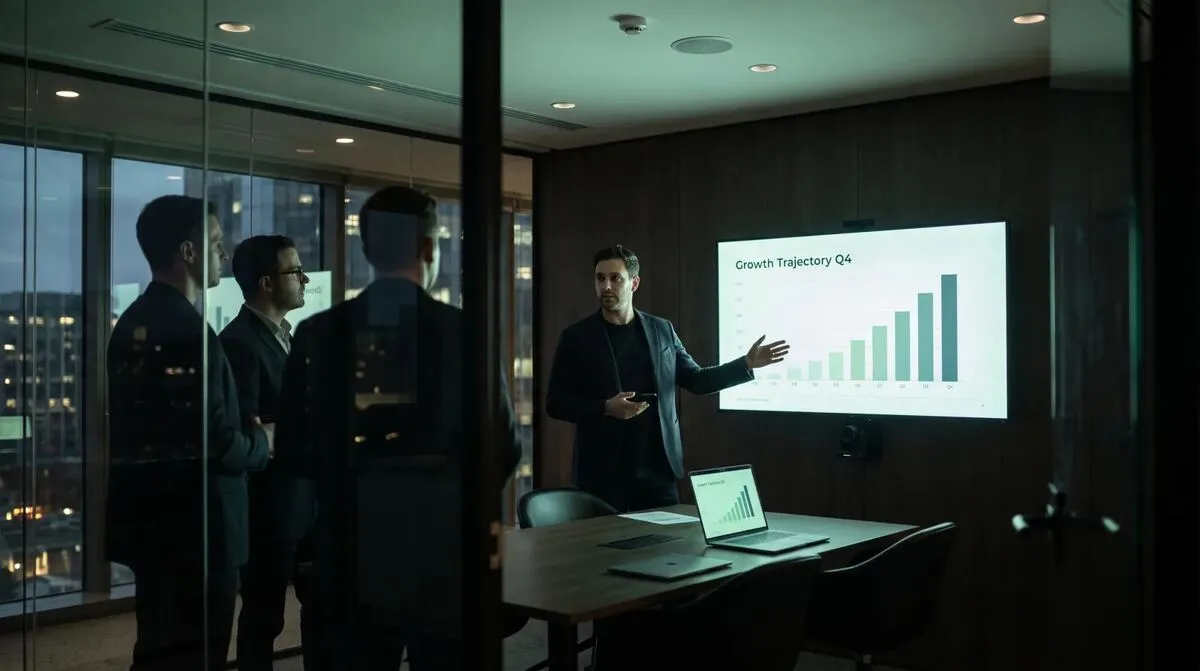
For churches running two services back to back, or a livestream alongside the in-room service, a second host machine keeps things running if the primary one has a problem mid-service. See multi-host presentations for how that backup works without needing to touch the slide file on the day.
Sermons and services generally run to a schedule, especially in churches with two or three services back to back on a Sunday morning. A visible countdown timer, controllable from the same phone as the clicker, helps a pastor pace without needing someone in the wings holding up fingers. Stage timers that keep speakers on time covers this in more depth, and it applies just as well to a pulpit as a conference stage.
Many churches now stream their service alongside the in-room congregation, which adds a second audience with different needs: a viewer at home needs a clean feed with readable lyrics, not a wide shot of the stage. Cliqer's screen sharing streams the slide output directly to remote viewers, and the desktop app's Studio can route camera feeds into your livestream production software over NDI if your church already runs one. See the hybrid event tech stack for how that production layer fits together, even though it is written for events rather than services specifically.
That same screen share is also what makes an overflow room work for larger churches. A second campus room, or a foyer with a TV for late arrivals, can watch the identical slide feed the main sanctuary sees, without a second volunteer manually copying slide changes across two laptops. It is the same underlying setup as the main service, just aimed at a second screen instead of a stream.
Multi-host presentations
How a backup host machine keeps a service running across two rooms or two services.
Minimal. Whoever hosts the room still uses your existing worship presentation software exactly as before. The change is that control moves to a phone, which most volunteers pick up in a couple of minutes without a manual.
Yes, though only one person's clicks should drive a given segment at a time to avoid slides jumping unpredictably. Handing the link to a new volunteer for the next segment works fine since each link works from any browser on any phone.
Connections fall back to an encrypted relay automatically when a direct path is blocked, which covers most typical network hiccups. For a full outage, keep your worship software's built-in manual controls as a last resort, the same way you would with any remote clicker.
Cliqer's free plan covers one room and one remote client, enough for a single volunteer testing the workflow. Most churches running a livestream, two services, or a backup host move to a paid plan; see pricing for the current breakdown.
Set up Cliqer's free plan during a midweek rehearsal so your team is comfortable with the handoff before a live service depends on it. For churches running a livestream or multiple services, pricing covers what a paid plan adds, and presentation clickers compared is a useful read if your team is still deciding between hardware and phone-based control.
Hybrid Lectures That Work: A Guide for Universities
How to run hybrid lectures that work for students in the room and online: slide control, remote students and backups.
AV Industry Trends for 2026: Software Takes the Stage
AV industry trends for 2026: why control surfaces, remote presenting and IP video are moving from hardware to software.
Keep reading
Practical guides for presenters, AV crews and event teams, plus the Cliqer releases that matter. No spam, one click to leave.