
Education
Hybrid Lectures That Work: A Guide for Universities
How to run hybrid lectures that work for students in the room and online: slide control, remote students and backups.
Anyone who has run a day of student presentations knows the real time cost is not the talks themselves. It is the two minutes between each one: swapping cables, logging into a shared account, finding the right file on a USB stick, and getting the projector to recognise a new laptop. Multiply that by twenty-five students and you have lost most of a class period to plumbing.
Watch a back-to-back run of student presentations and the pattern is always the same. The talk itself might run three or four minutes. The changeover between students often takes just as long, sometimes longer, because it depends on hardware that was not built for rapid handoffs between different laptops, phones and file formats.
The three biggest time sinks:
Each student's device needs to physically connect or successfully mirror to the classroom display.
Shared classroom logins, forgotten passwords, or a student's personal account that is not set up on the room's computer.
A deck built in one tool opening incorrectly, or not at all, on the classroom machine.
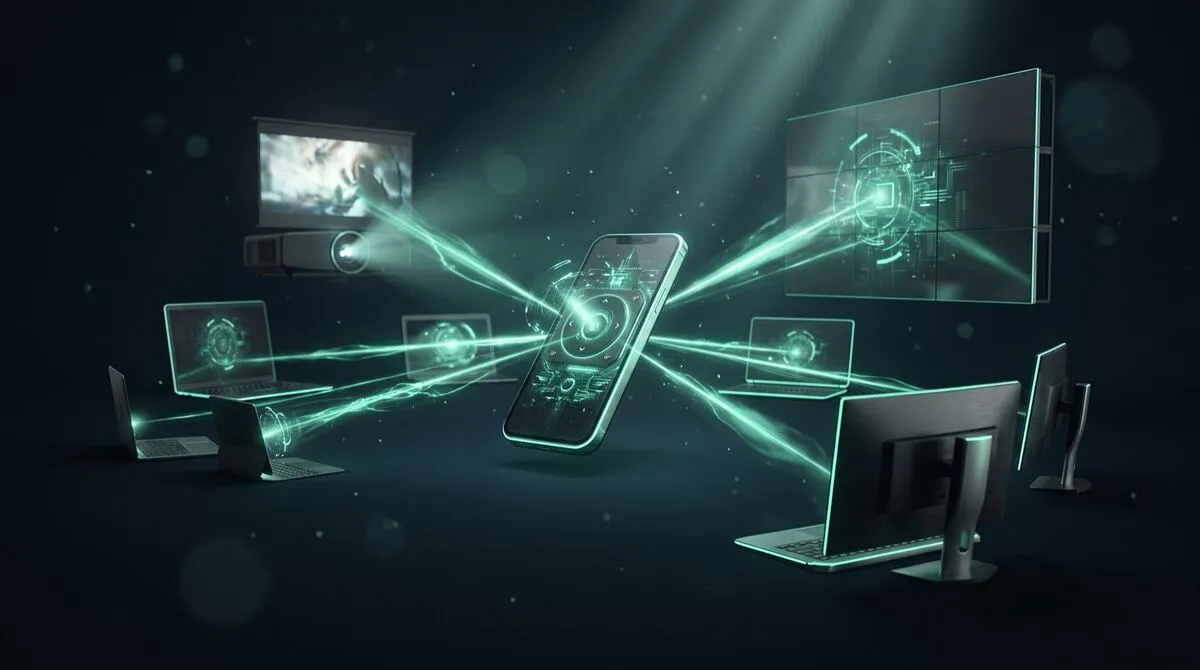
The fix that removes the most friction is separating two things that are usually bundled together: the computer actually running the slideshow, and the device a student uses to control it. Cliqer's desktop app hosts the room on the classroom's own computer, already set up, already tested, already connected to the projector, and lets a student control the deck from their own phone or laptop through a browser link.
That means a student's presentation file only has to open once, on the teacher's machine, rather than requiring every student's own laptop to connect to the classroom display in turn. Setup between presenters becomes: load the next file, share the link, done.
Full setup in how to use Cliqer.
| Setup | Changeover time | Common failure point | Best for |
|---|---|---|---|
| Each student's own laptop, cable swap | 1 to 3 minutes | Cable, driver or resolution mismatch | Small classes, plenty of time |
| Shared USB drive, one classroom machine | 30 to 60 seconds | Wrong file version, format issues | Classes with strict time limits |
| Files preloaded, phone-based remote control | Under 30 seconds | Rare, mainly network hiccups | Back-to-back presentation days |
| Wireless screen mirroring per device | 1 to 2 minutes | Mirroring drops, permission prompts | Occasional, low-stakes presentations |
Classroom presentation friction is not only a scheduling problem. A student who fumbles with a cable in front of their classmates loses composure before they have said a word, and that shows in the talk itself. Letting students walk to the front, phone in hand, and simply speak, without needing to plug anything in, removes one more thing to be nervous about. Leave the lectern covers this same idea for professional speakers, and it holds just as well for a sixteen-year-old presenting a history project.
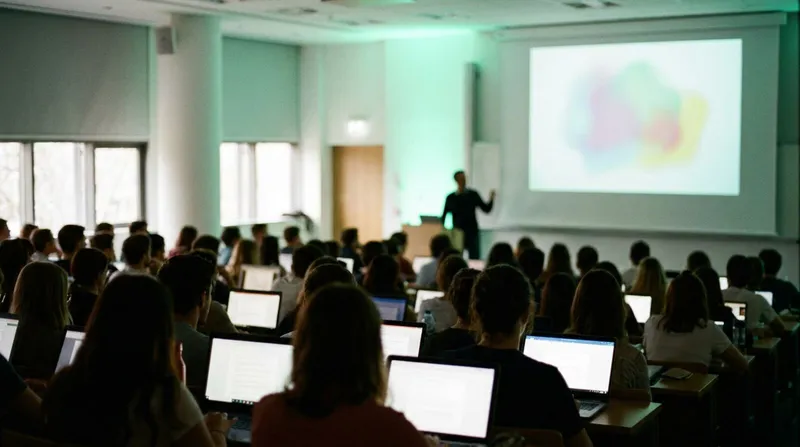
Speaking without looking down at notes is a related skill worth teaching alongside slide control. Speaker notes without looking down has practical advice that works well as a companion lesson to a presentation unit. The same setup scales up to university lecture halls too; see hybrid lectures that work for how the same phone-based control handles a much larger room.
Class periods are fixed, and a presentation that runs long eats into the next student's slot or the lesson that follows. A visible countdown timer, controlled from the same device as the clicker, helps students self-pace without a teacher having to interrupt them. See stage timers that keep speakers on time for how that works in practice, including presets you can set once for a whole class period.
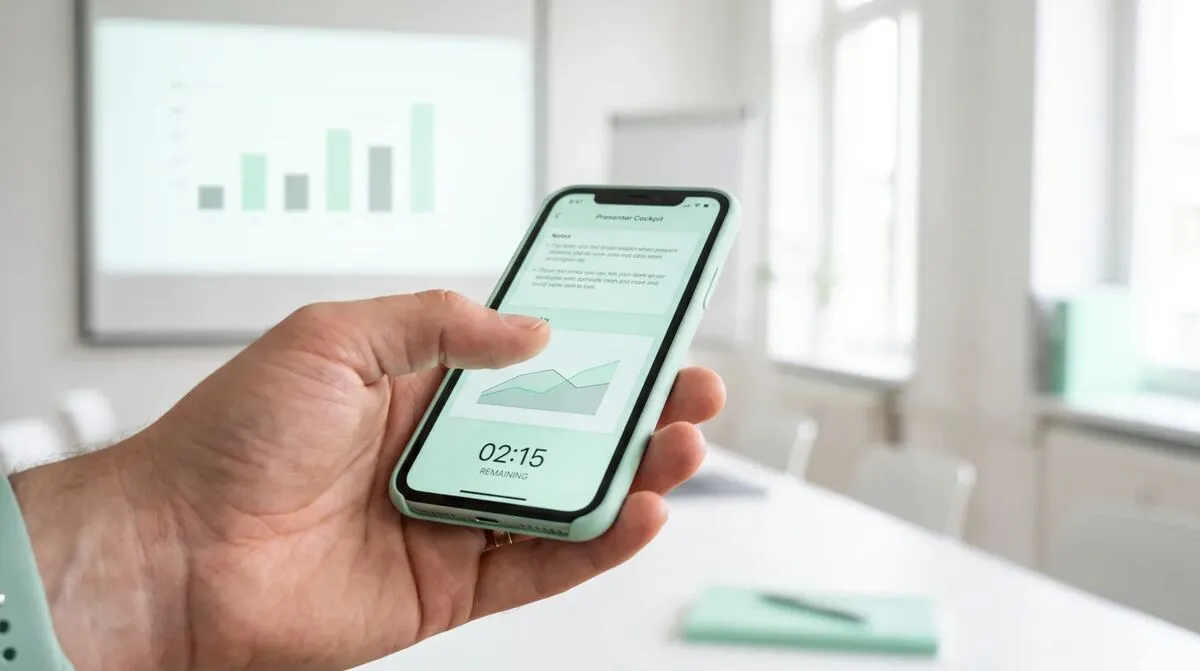
Group projects add another wrinkle: not every member of a group is always in the room on presentation day, whether because of illness, a scheduling clash, or a remote learning arrangement. A student joining from home can still control their own segment of a shared deck through the same browser link the rest of the group uses, from wherever they are, provided the classroom computer hosting the room is online. That keeps a group presentation from falling apart because one member could not make it in physically, and it avoids the awkward workaround of a classmate reading someone else's slides out loud on their behalf.
This is worth building into how you brief group presentations: assign each segment's presenter their own link ahead of time, in order, the same way you would preload individual student files. It removes the improvisation from an already stressful moment for students who are not used to public speaking.
No. Only the classroom computer hosting the room needs Cliqer installed. Students join as presenters through a browser link on their own phone or laptop, with no account and nothing to install.
This is a file compatibility issue independent of slide control, and it is worth testing common formats, PowerPoint, Google Slides, Keynote exports, ahead of presentation day rather than discovering it live. Cliqer controls whichever software the file opens in, PowerPoint, Google Slides, Keynote, Prezi or LibreOffice Impress among others.
Yes. Because the room can have more than one active presenter link, a teacher can hold a second link ready and step in to advance slides if a student needs support, without disrupting the flow for the rest of the class.
Cliqer's free plan covers one room and one remote client, which suits a single classroom testing the setup. Schools running it across multiple rooms or with a shared backup machine typically look at a paid plan; see pricing for details.
Set up Cliqer's free plan on your classroom computer ahead of your next student presentation day, and walk one student through the flow before the whole class relies on it. For departments running this across several rooms, pricing and multi-host presentations cover the setup for a shared or backup machine.
Stage Timers and Countdown Clocks: Keeping Speakers on Time
How a visible stage timer keeps speakers on time, why warning colours matter more than numbers and how to set one up.
Is WebRTC Secure? How Peer-to-Peer Presenting Protects Your Content
Is WebRTC secure enough for business presentations? How encryption, peer-to-peer routing and TURN relays protect content.
Keep reading

Practical guides for presenters, AV crews and event teams, plus the Cliqer releases that matter. No spam, one click to leave.