
Product News
Why we moved Cliqer's realtime off Cloudflare (and why we're still fans)
Four months on Cloudflare’s edge: what broke, what we built to cope, and why Cliqer now runs on our own dedicated servers.
Your client hired you to run their event, not to hand their guests a link that says cliqer.io. If you are an AV agency, production company or events team working under other people's brands, white label presentation software is not a nice-to-have. It is the difference between looking like an extension of your client's team and looking like you outsourced the tech to a stranger.
This is the part of the job nobody puts in the pitch deck: the room link a presenter shares, the login screen a remote speaker sees, the colours on the control panel. Get it right and it disappears into the client's brand. Get it wrong and it is the one thing attendees remember. Here is how branded presenter rooms actually work, and how to set one up.
A fully white label room covers three layers, and agencies often need all three:
The address
The room link and QR code point at a domain your client recognises, such as present.clientbrand.com, instead of a third-party domain.
The visuals
Colours, logo and theme match the client's brand across every control screen the presenter and host see.
The layout
Where controls sit, which features are visible, and how the room designer arranges the interface for that specific show.
Skipping any one of these leaves a gap. A branded logo on an unbranded domain still looks like a plugin. A custom domain with default colours still looks unfinished.
This matters most for rental and staging companies, production agencies and in-house AV teams running shows for several brands a year. If that is you, it is worth reading alongside our look at why rental and staging companies are moving show control to software: the branding question and the show-control question tend to arrive on the same client brief.
Cliqer's custom domains let a team serve rooms on a hostname they own, for example present.yourcompany.com, while marketing pages and the account area stay on cliqer.io. Only room pages move to your domain; anything else on that hostname redirects back, and the hostname is marked noindex so search engines index the canonical site instead of a dozen client mirrors.
Setup is DNS-only, no server to run:
present.clientbrand.com.Custom domains are available on Studio and Enterprise plans, and can be added or removed at any time, which matters if you are spinning up a domain for a single client engagement. Full details, including apex domain caveats, are in the custom domains docs.
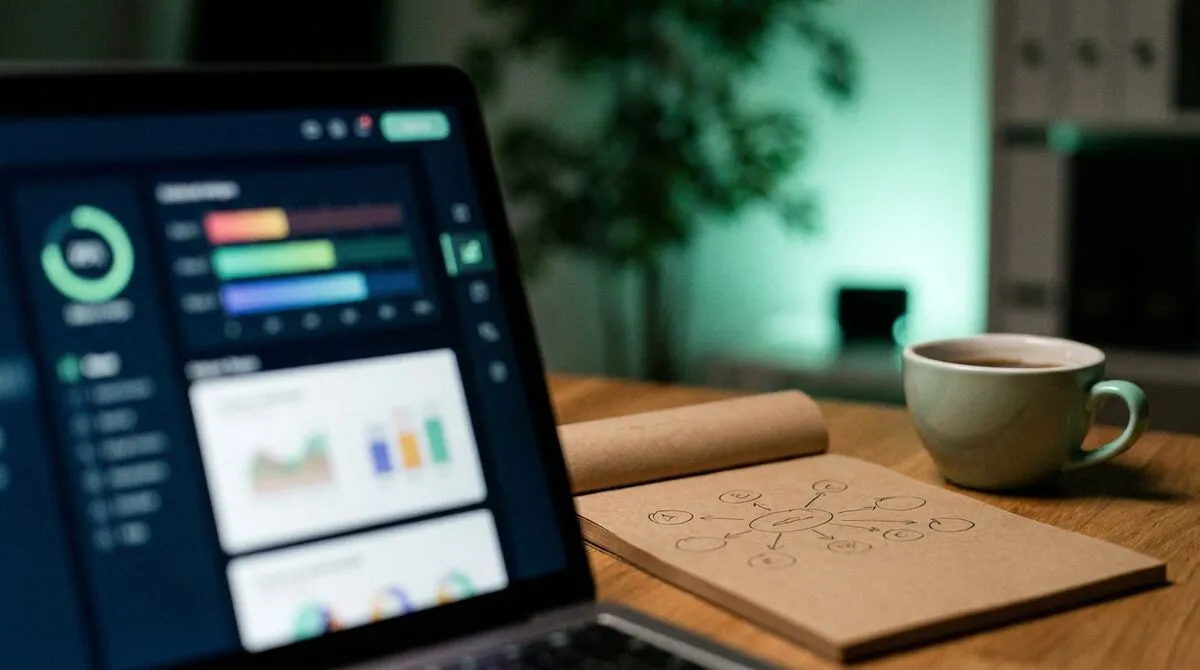
Underneath the domain, presenter customisation controls the colours, logo and theme a presenter and host see across the app. The room designer goes further, letting you arrange which controls appear and where, so a simple keynote room and a multi-host panel discussion can each get a layout suited to the show rather than a one-size-fits-all interface.
For an agency running several clients, this is where the real time saving lives: build the layout once per client, save it, and reuse it for every show that client books rather than reconfiguring from scratch each time. Run through your usual pre-show checklist against the branded room too, since a broken client link on show day is worse than a broken unbranded one.
Some clients, particularly in finance and healthcare, will also ask how their content is protected once it is inside a branded room. The short answer is that presentation content is never uploaded to Cliqer regardless of branding; see presenting confidential content for the full explanation, and keep getting AV software approved by IT handy if your client's own IT team needs to sign off on the tool before the domain goes live.
Branding depth scales with plan, which matters when you are quoting a client on the tech.
| Plan | Branding | Best for |
|---|---|---|
| Free | None, watermarked output | Trying Cliqer before committing |
| Pro | None | Solo presenters, no agency branding need |
| Ultra | Colour themes, room designer | Small teams running their own shows |
| Studio | Full white label, own logo, pooled seats | Agencies and AV teams serving multiple clients |
| Enterprise | Studio features plus custom domains, SSO, SCIM | Larger agencies and in-house teams with procurement requirements |
Custom domains specifically require Studio or Enterprise. See exact current pricing on the pricing page, or contact us for Enterprise seat counts and procurement.
A typical agency workflow looks like this:
If your agency also runs the production side of the show, pair this with our guide to show control from the tech table and, for multi-location events, multi-host presentations.
Custom domains setup
Full DNS steps and apex domain caveats for pointing a client's hostname at Cliqer.
Yes. Presenter customisation and the room designer are available on Ultra and Studio without a custom domain. A custom domain adds the last layer, replacing the cliqer.io address itself, and requires Studio or Enterprise.
No. Presenters, remote speakers and viewers join from any browser with the room link or QR code, no app install and no account required. Only the host needs the desktop app, since that is what drives the presentation software and holds the room.
Yes, within the limits of your plan's seat pool. Each custom domain and room layout is independent, so an agency can maintain a distinct branded room for each client account it serves.
Remove the custom domain from Dashboard → Custom domains at any time. Cliqer stops routing that hostname immediately, and the room reverts to being unreachable on that address.
If you are quoting a client on branded AV, see current plans to confirm which tier covers custom domains, or book a look at Enterprise if you need pooled seats across a bigger crew. You can also try Cliqer free on your own machine before you build out a client's branded room.
What Is an Internet Clicker? Remote Slide Control Explained
An internet clicker controls your slides over the web instead of a short-range radio. How it works and when it wins.
Running Hybrid Events with Remote Speakers: The Complete Guide
Run hybrid events with remote speakers: slide control, audio and backup plans so in-room and remote talent both land.
Keep reading


Practical guides for presenters, AV crews and event teams, plus the Cliqer releases that matter. No spam, one click to leave.