
Clickers & Remotes
Remote Control for Prezi and LibreOffice Impress
How to set up reliable remote control for Prezi’s zooming canvas and LibreOffice Impress, from any phone in the room.
An internet clicker does the same job as the USB dongle clicker you already know: it advances your slides. The difference is in how the command gets there. Instead of a radio signal hopping a few metres from a handheld transmitter to a receiver plugged into your laptop, an internet clicker sends that command over the internet, which means the presenter's device and the presentation can be in different rooms, different buildings, or different countries.
This post explains what makes something an internet clicker, how it actually works under the hood, and where it changes what is possible on stage.
An internet clicker is presentation remote control software that connects a presenter's device (phone, tablet, laptop) to the computer running the slides using an internet connection rather than Bluetooth, RF or infrared. There is no physical receiver to plug in and no line-of-sight requirement.
Cliqer is built around this idea specifically. A desktop app runs on the computer showing your slides and holds the room, since a browser alone cannot host a presentation, and presenters join from any browser on any device using a room link or QR code, no install required on their end.
Cliqer uses WebRTC, the same real-time communication technology browsers use for video calls, to move control signals between devices. The two devices try to connect directly to each other first (peer to peer), and fall back to a relay only if a direct path is blocked by a firewall. Full technical detail is in our security and networking docs.
That matters for two reasons:
These three terms get used loosely, so it helps to separate them:
| Term | What it means | Typical range limit |
|---|---|---|
| Hardware clicker | Physical remote with a USB or Bluetooth receiver | 15 to 30 metres, line of sight helps |
| Phone clicker | A phone used as the remote, often via an app | Depends on the connection type it uses |
| Internet clicker | Control sent over the internet, not a short-range radio | None, works anywhere there is a connection |
A phone can be either a Bluetooth clicker or an internet clicker depending on what technology the app behind it uses. Cliqer's phone-based control is an internet clicker specifically, which is why it keeps working at the back of large venues where Bluetooth clickers start dropping out. We go through the full comparison, including where hardware still makes sense, in hardware, phone or internet: presentation clickers compared.
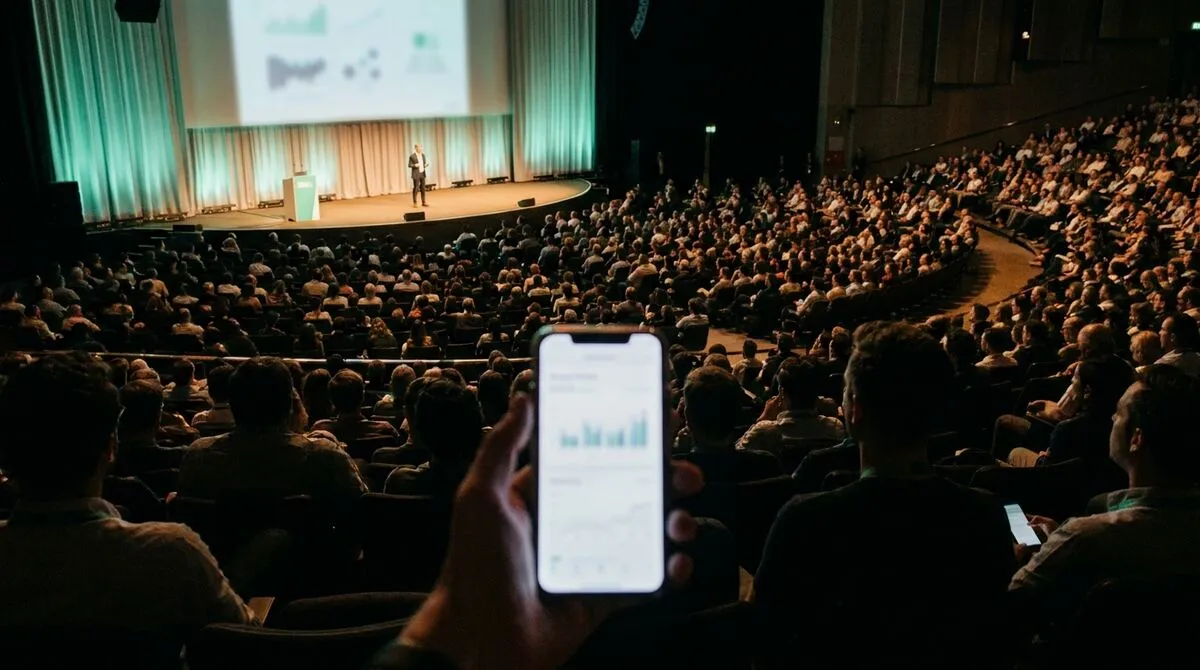
Because it is software rather than a fixed-function remote, an internet clicker tends to carry more with it:
Cross-continent control
A presenter in one country can drive slides on a computer in another, which is the backbone of remote and hybrid speaker setups.
Multiple presenters, one room
Several people can hold presenter access to the same session without extra hardware, useful for panels and co-presenting.
Extras beyond clicking
Screen sharing, an on-screen laser pointer, a speaker timer and presenter notes typically ride along in the same app, rather than needing separate gadgets.
Sending clicks over the internet naturally raises the question of who else can see them. Cliqer's control signals travel over encrypted WebRTC data channels, and each room link is a session-specific, cryptographically generated address rather than a guessable code. Nobody outside the room can join without that link, and once the session ends the link stops working. For a deeper look at what WebRTC's encryption does and does not protect against, our security checklist for presentation software is a good next read.
Solo presenters are the simplest case, but the same idea scales up. AV crews running a show from a tech table can use an internet clicker as the backbone for cueing slides from a control surface like a Stream Deck, while a vision mixer output runs separately over NDI or into vMix. The clicker itself does not care whether it is the only thing happening on stage or one input feeding a full broadcast setup, it is still just sending next and previous commands, reliably, over the internet.
That scalability is also why internet clickers show up in hybrid and multi-host formats: the same link-based connection that lets one remote presenter click from home works identically when there are three presenters in three cities feeding the same room.

Not meaningfully. A direct peer-to-peer connection over a decent internet connection is fast enough that presenters do not notice a lag, we cover exactly why milliseconds matter and what affects them in clicker latency.
It needs an internet connection, which can be Wi-Fi or mobile data on the presenter's side. The host computer typically stays on a wired or Wi-Fi connection for stability.
Yes, with Cliqer the presenter side runs in a mobile browser. Only the host computer running the slides needs the desktop app.
Yes, alongside Prezi and LibreOffice Impress. See our Keynote and Google Slides guides for software-specific detail.
No. Remote desktop tools hand over full control of a computer, mouse, files and all. An internet clicker only sends a narrow set of presentation commands, next slide, previous slide, laser pointer position, nothing else, which keeps the attack surface small and the setup simple.
Cliqer is free to try on one device, screen share and timer included. Download it from the download page or check the pricing page for the paid tiers built for bigger stages and teams.
Controlling Presentations Inside a vMix Production
Advance slides inside a live vMix production without a second operator, using native presentation control in vMix.
Branded Presenter Rooms: Custom Domains and Logos for Agencies
How AV and event agencies run white label presenter rooms on their own domain, with their own logo, for every client.
Keep reading
Practical guides for presenters, AV crews and event teams, plus the Cliqer releases that matter. No spam, one click to leave.