
AV Industry
Integrating DSAN Limitimer Speaker Timers with Your Slides
Connect a DSAN Limitimer to your slides: two-way sync, master or slave mode, and which settings matter on show day.
Talk to anyone tracking AV industry trends 2026 and one theme comes up more than any other: work that used to need a dedicated box now runs as software on a laptop the crew already brought. Slide clickers, cue lights, confidence monitors, even parts of vision mixing, are quietly moving off single-purpose hardware and onto general-purpose machines. That is not a prediction, it is what is already happening on stages and in production trucks this year.
Here is what that shift actually looks like in practice, and what it means for crews planning their kit lists.
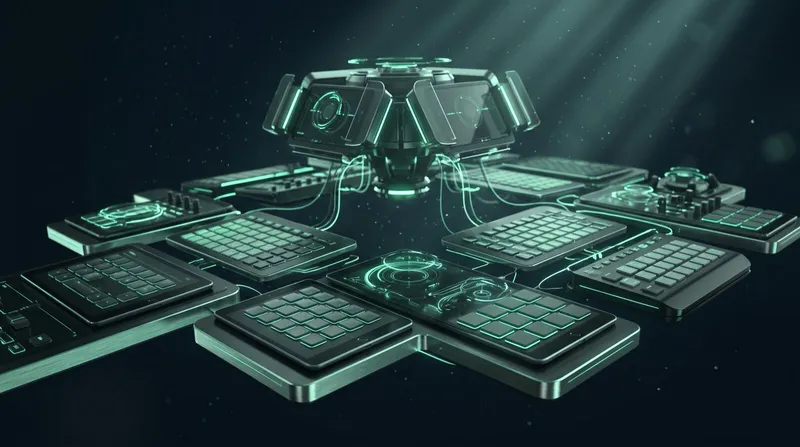
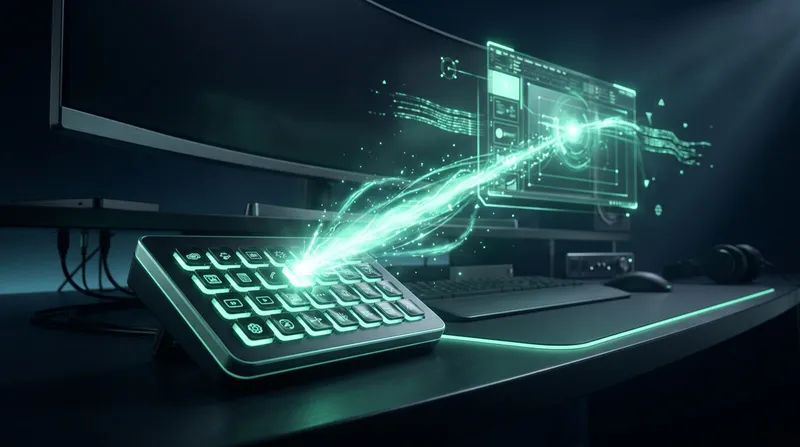
For years, a touring rig meant a pile of purpose-built hardware: a clicker for slides, a separate timer unit, a lighting console, a video switcher panel, each with its own cable and its own failure mode. That is consolidating fast. A Stream Deck or Bitfocus Companion panel can now hold slide advance, timer control and caller cuts next to lighting and video triggers on the same physical buttons, driven by software rather than a proprietary protocol per device.
The practical upshot: fewer boxes in the case, fewer single points of failure, and a crew member who only needs to learn one control surface instead of five.
Hybrid and remote speaking used to mean a noticeably worse experience than being in the room, laggy screen shares, clunky video call plugins, a presenter fumbling with an unfamiliar tool five minutes before they go live. That gap has closed. A remote presenter can now join from any browser, on a phone or tablet, with a room link or QR code, and control the same deck a local speaker would use, no install and no account required on their side. See running hybrid events with remote speakers for what a full setup looks like end to end.
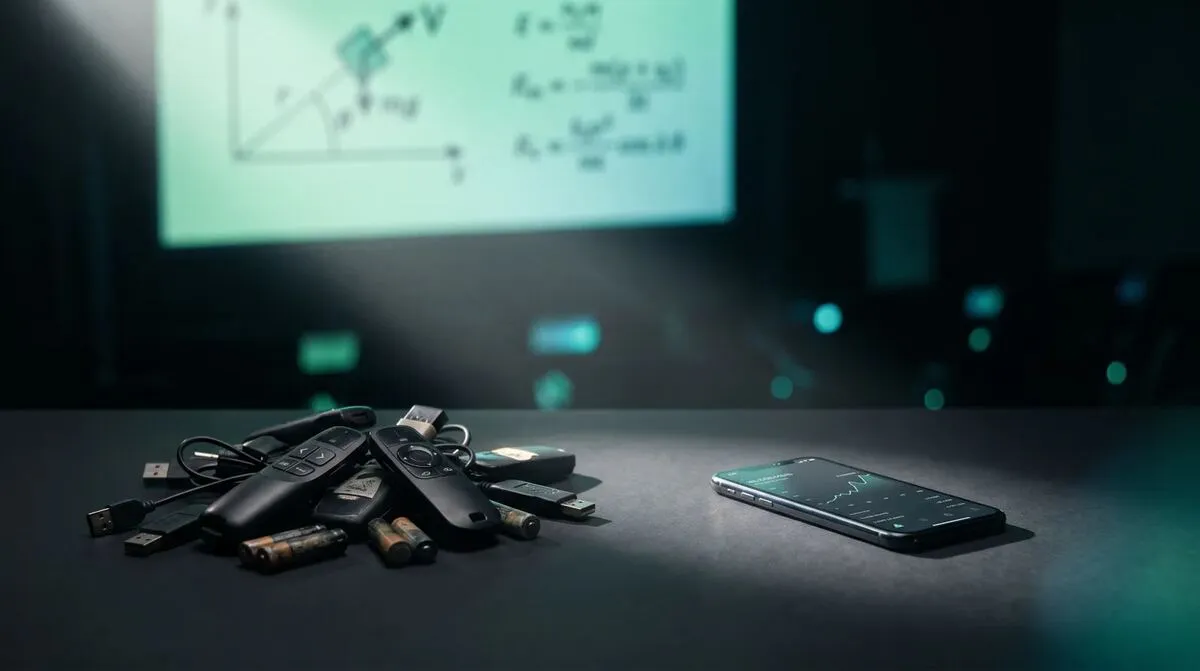
NDI and similar network-based video protocols keep replacing dedicated SDI and HDMI runs for anything that does not need broadcast-grade latency. A countdown timer, a remote caller's camera, a laptop's presentation screen, all of these now reach a vision mixer as named sources over the same network already carrying Wi-Fi and internet, instead of a dedicated cable each. Read NDI explained for event and AV teams for how that actually works.
| Old approach | 2026 approach | What changed |
|---|---|---|
| Dedicated hardware per function | Software on a general-purpose laptop | Fewer boxes, less to carry and fail |
| Speaker needs an app installed | Browser-based presenter control | No install, works from any device |
| Point-to-point video cable | Network-based video (NDI) | Any source reachable from any receiver on the network |
| One control protocol per device | Unified panel (Stream Deck, Companion) | One surface for the whole crew |

As presentation and event software moves onto corporate networks and touches company Wi-Fi, IT departments are asking harder questions before it gets approved, and rightly so. Tools that rely on peer-to-peer connections need to explain how they traverse firewalls, whether they fall back to a relay when direct connections are blocked, and what data actually leaves the building. See getting AV software approved by IT for what that conversation looks like from the buyer's side, and is WebRTC secure for the technical underpinning most of these tools now share.
A trend worth calling out on its own: AV software is increasingly designed around the assumption that it will run on a locked-down corporate network, not a friendly conference Wi-Fi. That means following the system proxy, falling back to standard web ports when direct connections are blocked, and relaying over port 443 when nothing else gets through. See security and networking for the specifics of how that traversal works. Five years ago this was a niche concern for enterprise buyers only. In 2026 it is close to a baseline expectation for any tool asking to run inside a company building.
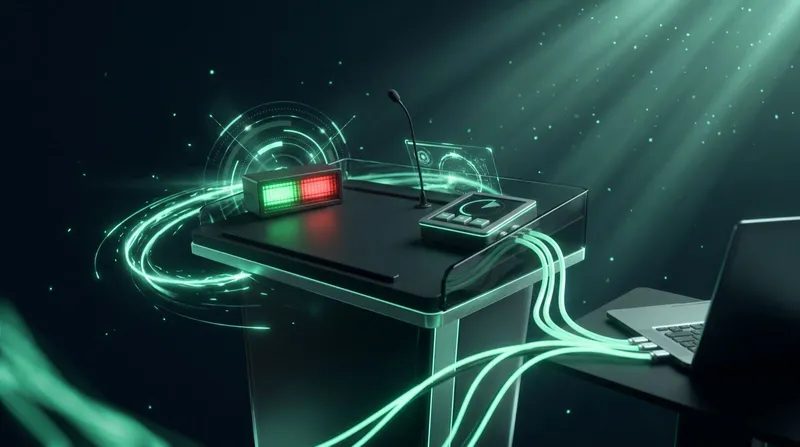
None of this means dedicated hardware disappears. A DSAN Limitimer still gives a speaker a physical, unambiguous countdown on the lectern, and a Stream Deck is still a nicer button to press than a laptop trackpad. What is changing is the layer underneath: software is doing the coordination that used to require a proprietary box per function, and the hardware that remains talks to that software instead of running in isolation. See integrating DSAN Limitimer speaker timers for an example of exactly that pairing.
For crews planning next year's rig, the practical question is not hardware versus software, it is which parts of the show benefit from consolidating onto a control surface everyone already knows, and which pieces of hardware earn their place because a physical button or a dedicated countdown display genuinely serves a speaker better than a screen ever will.
That answer will keep shifting as more of the coordination layer moves to software, but the underlying goal does not change: fewer things that can fail silently mid-show, and a crew that can troubleshoot the whole setup without reaching for a separate manual for every box in the case.
No. Physical clickers, timers and control surfaces are still common, but they increasingly connect to software that coordinates them, rather than running as isolated single-purpose devices.
Browser-based control removed the install step that used to slow hybrid speakers down, and better firewall traversal means fewer connections fail on corporate networks.
Network-based video protocols like NDI, which send sources over the same IP network already running Wi-Fi and internet, instead of a dedicated cable per device.
Security and networking questions come up earlier in the buying process. See getting AV software approved by IT for the questions IT teams typically ask.
If your kit list is still one box per function, it is worth trying the consolidated version for a show. Download Cliqer free and see how slide control, timers, callers and NDI output work from one app, or compare Pro, Ultra and Studio for teams running multiple rooms. For the AV crew perspective on running the whole show from one desk, read show control from the tech table.
Worship Slides and Lyrics: Remote Control for Churches
Run worship slides and lyrics from anywhere in church: remote control for volunteers, no laptop tethered to the stage.
Why Your USB Clicker Fails in Big Venues (and What to Use Instead)
USB and Bluetooth clickers reach 15 to 30 metres at best. Why they fail in big venues and how internet clickers fix it.
Keep reading
Practical guides for presenters, AV crews and event teams, plus the Cliqer releases that matter. No spam, one click to leave.