
AV Industry
Bitfocus Companion for Presentations: Automating Show Control
Run slide advance, timers and caller cuts from Bitfocus Companion, on the same buttons as your lighting and video cues.
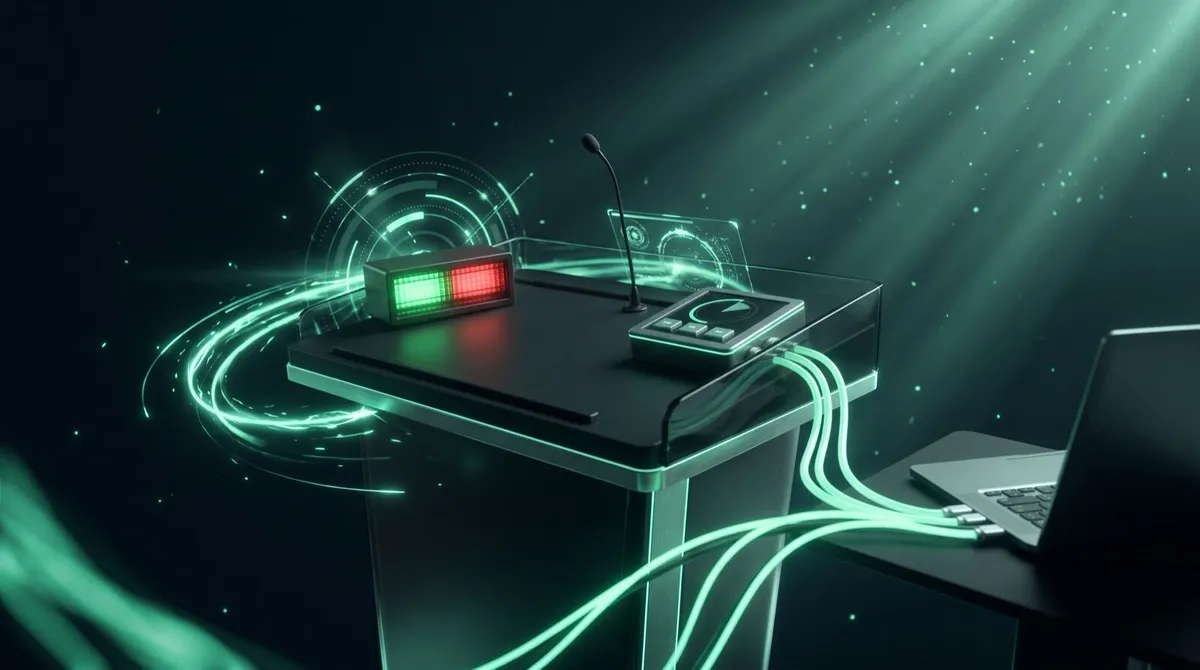
A DSAN Limitimer speaker timer is the small countdown unit with green, yellow and red lights that shows up on lecterns at conferences and churches everywhere, a physical, unambiguous signal to a speaker that time is running short. What most crews do not realise is that it can talk directly to the software running the slides, so the on-screen countdown and the physical device always agree, instead of running as two separate systems someone has to keep in sync by hand.
Here is how that integration actually works, and how to set it up either direction.
Standalone, a Limitimer counts down and flips through green, yellow and red phases as a session's time expires, controlled by whoever is running the timer, usually a stage manager with a remote or the device's own buttons. It works fine in isolation, but it has no idea what is happening on the presentation screen, and if you also want a countdown visible to a remote speaker or on a stream overlay, you are running a second, disconnected timer, one that someone has to start, adjust and stop by hand in parallel with the physical unit, and the two drift apart the moment anyone forgets a step.
Cliqer's desktop app connects to a Limitimer over its USB cable and keeps the on-screen countdown and the physical device in sync in both directions, not just mirroring one onto the other. A DIP switch on the back of the unit decides which way control flows:
| Switch 1 position | Mode | What happens |
|---|---|---|
| ON (Master) | Timer leads | The Limitimer broadcasts its state, Cliqer mirrors it, the on-screen timer shows the same time and phase as the physical device |
| OFF (Slave) | Cliqer leads | Cliqer drives the Limitimer, whatever you set or adjust on screen sets the device's time and counts it down on its own display and lights |
Cliqer auto-detects the switch position and adjusts on the fly, so a crew can flip between "the timekeeper runs the Limitimer and Cliqer just displays it for remote speakers" and "Cliqer runs the whole show and drives the physical device" without touching any app settings, and without needing to restart anything mid-event to change which side is in charge.

Plug the DSAN cable into a USB port on the computer running Cliqer.
Cliqer detects it automatically , a small status indicator appears in the timer bar once the Limitimer is connected.
Set DIP switch 1 on the back of the unit: ON to let the timer lead, OFF to let Cliqer lead.
No drivers to install, it runs on the standard USB-serial driver already shipped with macOS and Windows.
A plain USB cable will not work here. The Limitimer communicates over a serial protocol, not generic USB, so the cable needs a USB-to-serial converter wired to the device's control port and programmed with the correct hardware ID for Cliqer to recognise it. The genuine DSAN cable is the supported, plug-and-play option, available direct from DSAN, and it is worth ordering ahead of an event rather than discovering on load-in day that a generic cable in the case will not be recognised.
| Without integration | With Cliqer + Limitimer |
|---|---|
| Two separate timers, on-screen and physical, kept in sync manually | One timer, either device can lead, both always match |
| Remote speakers cannot see the stage timer | On-screen countdown mirrors the Limitimer for any remote presenter |
| No overlay for a stream or broadcast | NDI timer output carries the same countdown into your production software |
| Manual handoff between stage manager and slide operator | Either side can drive it, the other follows automatically |
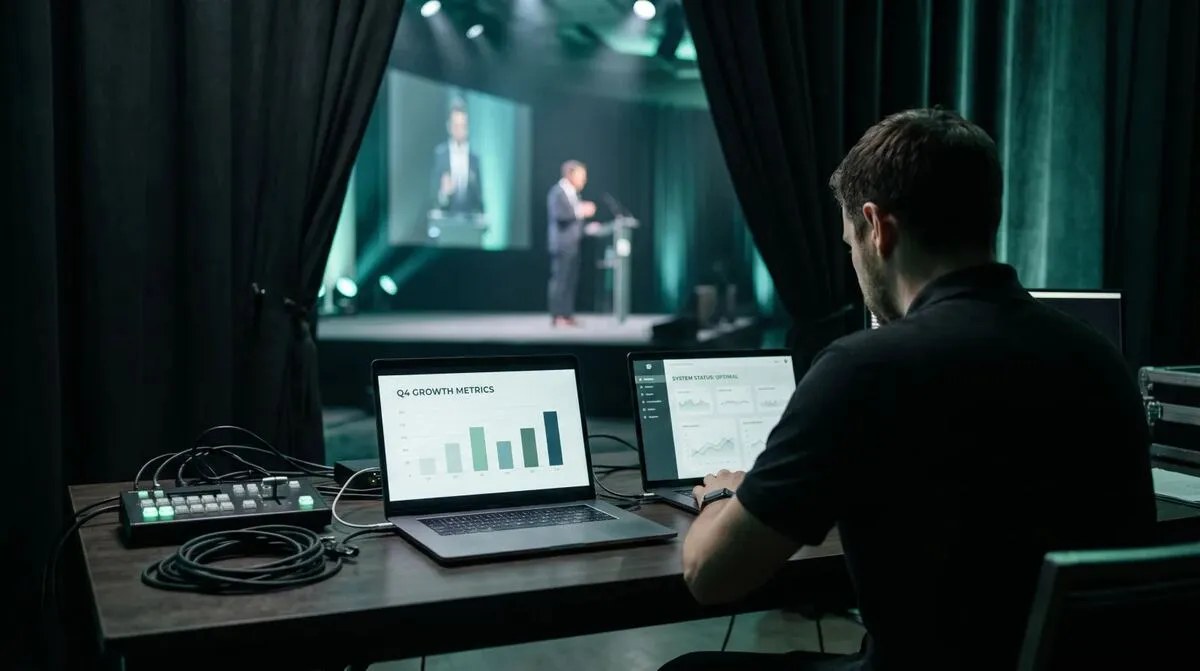
The DSAN integration is not limited to the Limitimer. Cliqer also bridges PerfectCue cue-light hardware the same way, so a remote presenter's clicks relay straight into a lectern's cue-light system, and a press on the physical remote is seen by Cliqer too. Both devices can be plugged into the same machine at once without conflict, since Cliqer identifies each by its own hardware ID, so a lectern running both a cue light and a countdown clock only needs one laptop, not two separate rigs with two separate cables to manage. For crews already running a Stream Deck or Bitfocus Companion panel, the same timer state that drives the Limitimer also feeds those surfaces, so a button press and a physical light show the same phase at the same moment.
If your event also needs a screen-facing display of the same countdown, see confidence monitors explained for how to put the synced timer on a display the speaker can glance at without turning around. It pairs naturally with a wider look at stage timers and countdown clocks, and if your speakers also work from notes, using speaker notes without staring at your laptop covers keeping the timer and the script in the same eyeline.
No. It uses the standard USB-serial driver already included in macOS and Windows, so there is nothing to install beyond the correct DSAN cable.
Technically the same protocol could run over a generic adapter wired correctly, but it will not carry the hardware ID Cliqer uses for auto-detection, so it is not a supported plug-and-play option. Use the genuine DSAN cable.
Either can lead, set by DIP switch 1 on the back of the Limitimer. ON means the physical device leads and Cliqer mirrors it, OFF means Cliqer drives the device.
Yes. Once synced, the on-screen timer in Cliqer matches the Limitimer exactly, and any remote presenter connected to the room sees the same countdown and warning phases.
If your stage timer and your slide deck are still running as two disconnected systems, the DSAN integration closes that gap in a few minutes of setup. Download Cliqer free and connect your Limitimer on the next rehearsal, or read the full DSAN integration docs for the PerfectCue side of the same cable. For teams running multiple stages, compare Pro, Ultra and Studio plans.
Getting AV Software Approved by IT: A Practical Guide
What an IT security review of AV software actually checks, and how to prepare so your tool gets approved first time.
Remote Control for Prezi and LibreOffice Impress
How to set up reliable remote control for Prezi’s zooming canvas and LibreOffice Impress, from any phone in the room.
Keep reading
Practical guides for presenters, AV crews and event teams, plus the Cliqer releases that matter. No spam, one click to leave.