
Clickers & Remotes
Remote Control for Prezi and LibreOffice Impress
How to set up reliable remote control for Prezi’s zooming canvas and LibreOffice Impress, from any phone in the room.
Your USB clicker works perfectly in a meeting room and then drops signal the moment you step off a big stage or wander to the back of a ballroom. That is not a faulty unit, it is physics. Most handheld presentation clickers use 2.4GHz RF or Bluetooth, and both have a hard presentation clicker range limit that a small meeting room never exposes but a large venue exposes every time.
Here is what is actually happening, and what AV crews and event producers reach for once they have been burned by it once.
Consumer clickers, the kind bundled with a tiny USB receiver, are typically rated for 15 to 30 metres in open, line-of-sight conditions. That number drops fast once you add:
Bodies in the room
Human bodies absorb 2.4GHz signal, and a full room of attendees between you and the laptop is a real obstacle, not a minor one.
Walls and structural steel
Convention centre construction, stage rigging and metal trussing all reflect or block RF signals.
Interference
Wi-Fi access points, wireless mics and other 2.4GHz devices all share the same crowded frequency band.
Manufacturer range figures are measured in ideal lab conditions. In practice, a clicker rated for 30 metres can start dropping clicks at half that distance in a crowded hall.
The failure mode is rarely a clean disconnect. It is usually a missed click here, a double-advance there, a moment where you press next and nothing happens so you press again and suddenly skip two slides. On stage, in front of an audience, that reads as fumbling even when it is entirely the hardware's fault.
Presenters rarely blame the equipment in the moment. They blame themselves, lose their place, and the talk loses momentum right when it needed to build. Multiply that by a full day of back-to-back sessions in the same hall and it becomes an AV team's recurring support ticket rather than a one-off annoyance.
An internet clicker, like Cliqer, does not use short-range radio at all. The presenter's device sends its command over the venue's internet connection using WebRTC, the same real-time technology behind video calls, connecting directly to the host computer or falling back to an encrypted relay if a direct path is blocked. That means the practical range is not "how far can this radio reach", it is "does this device have a signal", which a phone almost always does, even at the back of a hall or in a separate overflow room.
We go deeper on how that connection actually works in what is an internet clicker, and how it stacks up feature for feature against hardware in presentation clickers compared.

| Clicker type | Typical range | Affected by crowd size | Affected by walls |
|---|---|---|---|
| RF USB clicker | 15 to 30 metres | Yes, significantly | Yes |
| Bluetooth clicker | 10 to 20 metres | Yes | Yes |
| Internet clicker (Cliqer) | Anywhere with a connection | No | No |
Show control from the tech table often means the operator drives slides directly rather than trusting a presenter's handheld clicker across a big room, which solves the range problem but adds a dependency on someone always being at the desk. An internet clicker gives presenters their own reliable control without needing an operator glued to a laptop, while still leaving room for a tech table to run the wider show. If that is your world, show control from the tech table covers how crews balance the two.
Houses of worship run into the identical problem on a smaller budget, a clicker that worked fine in the old sanctuary starts missing beats in a bigger auditorium. Our worship slides remote control post covers that scenario specifically.
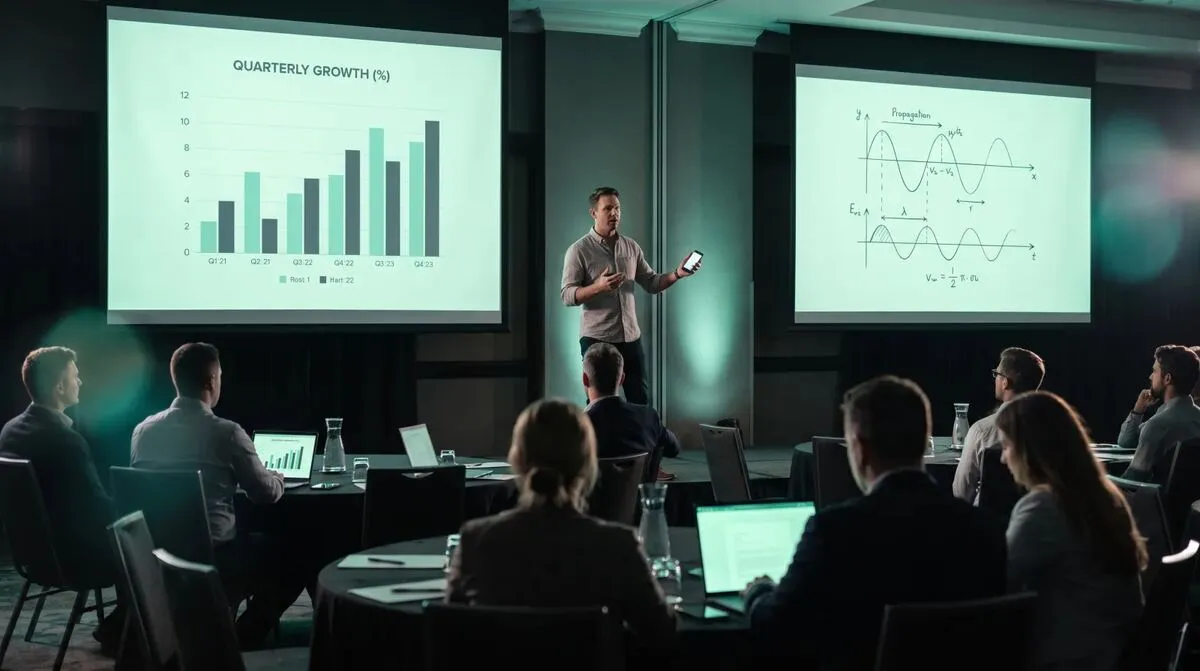
It is not just about avoiding a missed click. Reliable range at any distance means a presenter can move freely, walk the stage, step down into the audience for a Q&A, or hand the remote to someone in a completely different seat, without a moment of "wait, is this still connected". That freedom is worth more on stage than most people credit until they have presented without it. See the presentation clicker feature page for the full rundown of what Cliqer's remote covers, from range through to the laser pointer and timer.
As far as the internet reaches. There is no radio distance limit, a presenter at the back of a stadium, in a green room down the hall, or in a separate city entirely can still control the slides, since the connection never depends on a short-range radio signal reaching a receiver.
Marginally. Higher-spec RF clickers claim longer ranges, but they are still subject to the same interference and obstruction problems, just with a higher ceiling before they fail.
It needs a working internet connection, which can be venue Wi-Fi or the presenter's mobile data. If the venue network is unreliable, our TURN servers explained post covers how Cliqer routes around blocked connections.
Often worse. Open air removes some wall interference but increases distance, and RF clickers were never designed for festival-scale ranges.
They need some connection, but they are more forgiving than people expect, WebRTC handles patchy networks better than a live video stream would, since it is only sending small control messages. Weak signal will delay a click before it drops it entirely.
If your next event is bigger than a boardroom, test an internet clicker before you are troubleshooting on show day. Download Cliqer free from the download page, or see the pricing page for the tiers built for full productions and our comparison page to see how it stacks up against other tools.
AV Industry Trends for 2026: Software Takes the Stage
AV industry trends for 2026: why control surfaces, remote presenting and IP video are moving from hardware to software.
Single Sign-On for AV and Event Teams
How single sign-on helps AV and event teams: less password sprawl, faster freelancer onboarding, leavers locked out.
Keep reading
Practical guides for presenters, AV crews and event teams, plus the Cliqer releases that matter. No spam, one click to leave.