
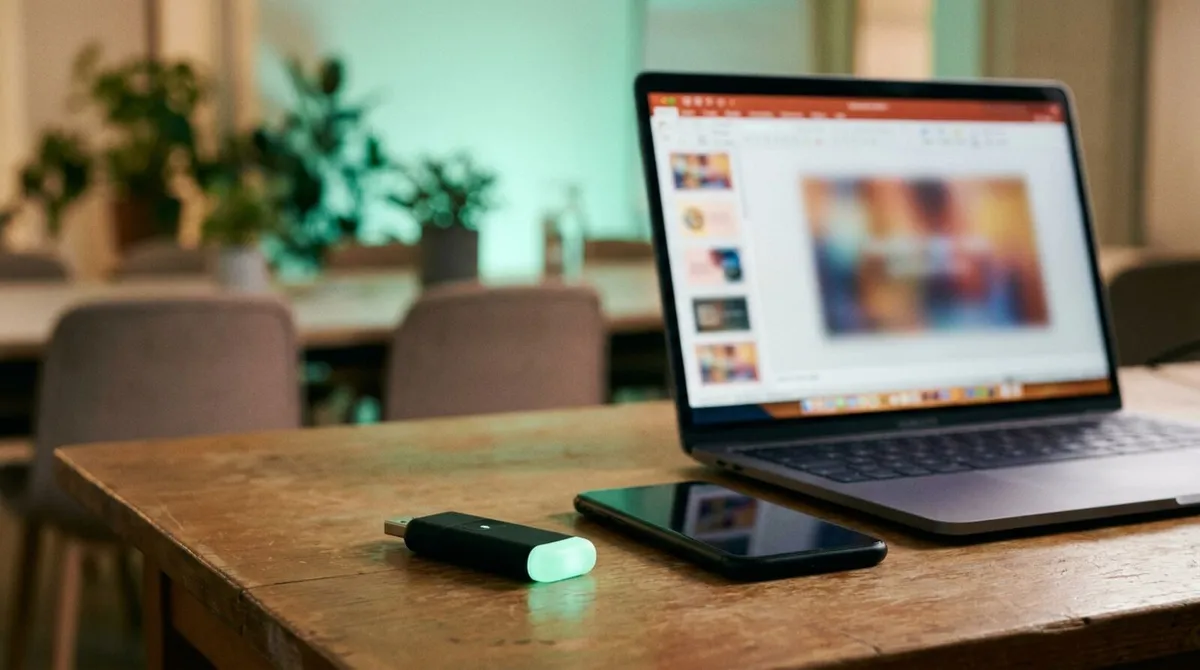
Clickers & Remotes
Remote Control for Prezi and LibreOffice Impress
How to set up reliable remote control for Prezi’s zooming canvas and LibreOffice Impress, from any phone in the room.
Ask ten presenters what the best presentation clicker is and you will get three different answers depending on whether they mean the little USB dongle in their bag, an app on their phone, or software that runs over the internet. All three do the same basic job, advance and reverse slides, but they behave very differently once you are actually on stage.
This is a practical, no-hype comparison of the three categories: what each is good at, where each falls short, and how to pick between them.
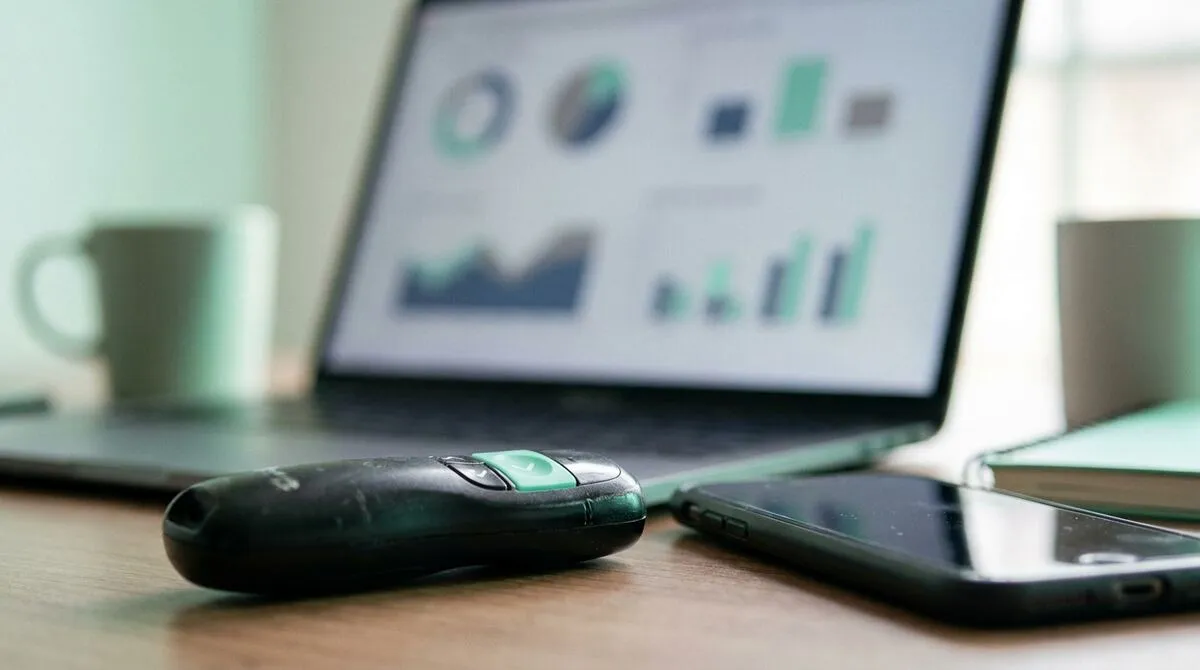
Hardware clickers are small handheld remotes with a USB or Bluetooth receiver you plug into your laptop. Logitech's Spotlight and Kensington's Presenter Remote are well-known examples of this category.
Phone clickers turn a smartphone into the remote, usually via an app or browser page, either over Bluetooth (same short range as hardware) or over the internet.
Internet clickers send control commands over an internet connection rather than a short-range radio, which is what Cliqer is built around, more detail on how that works in what is an internet clicker.
| Factor | Hardware clicker | Phone clicker (Bluetooth) | Internet clicker |
|---|---|---|---|
| Range | 15 to 30 metres, line of sight helps | Similar to hardware | Anywhere with internet |
| Setup | Plug in dongle, pair once | Install app, pair once | Open a link, no pairing |
| Battery | Its own small battery | Phone battery | Phone battery |
| Lost or forgotten | Presentation stops | Rare, you keep your phone | Rare, you keep your phone |
| Works across software | Usually PowerPoint-focused | Varies by app | PowerPoint, Keynote, Google Slides, Prezi, LibreOffice |
| Multiple presenters | Needs multiple dongles | One app per person | Share a link, any device |
| Remote presenters (different location) | Not possible | Not possible | Built in |
| Extras (timer, laser, notes) | Rare | Sometimes | Usually |
| Typical cost | One-time purchase per unit | Free to low cost | Subscription, often with a free tier |
Hardware clickers are not obsolete, they are just narrower in scope than they used to be. They are worth keeping if:
Their weak spot is range. Once a room gets larger than a huddle space, or you are standing at the back of a hall rather than beside the lectern, Bluetooth and RF signals start to drop. We cover this specific failure mode in why your USB clicker fails in big venues.
An internet clicker earns its keep the moment your setup gets more complex than "one person, one room, one deck":
A presenter in another city or country can control the same slideshow as easily as someone standing next to the laptop.
No radio range to worry about, the connection is the same whether you are two metres or two hundred metres from the host computer.
Everyone gets the same link, nobody needs their own dongle.
PowerPoint, Keynote, Google Slides and Prezi and LibreOffice Impress are all covered by one tool rather than one clicker per app.
Peer-to-peer WebRTC connections are fast enough that presenters do not notice a delay, more on that in clicker latency: why milliseconds matter.
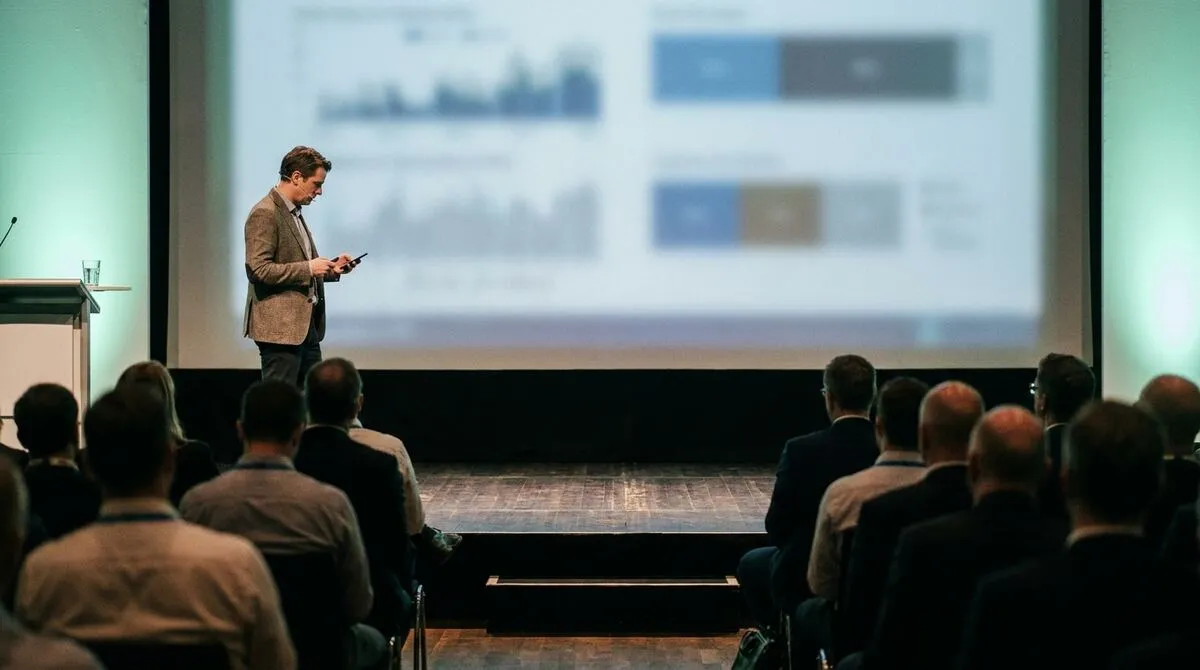
If your presenting life is one room, one laptop, no remote speakers, a hardware clicker is cheap and fine. The moment you add a second location, a second presenter, or a venue you have not measured, an internet clicker removes the guesswork. Plenty of presenters end up keeping a hardware clicker as backup and using an internet clicker as the default, since a phone with signal is rarely further away than a bag with a dongle in it.
Our full presentation clicker feature page lays out everything Cliqer's remote covers beyond next and previous slide, and the product comparison page puts it head to head against the alternatives if you want the longer version of the table above.
Whichever category you pick, reliability matters more than any single feature. A clicker that occasionally misses a click, or a laptop that occasionally drops its connection mid-talk, does more damage to your credibility than a missing laser pointer ever will. That is as true for software as it is for hardware batteries, which is part of why we run Cliqer's realtime connections on infrastructure we can fully account for rather than a black box, something we wrote about candidly in why we moved off Cloudflare.
It depends on use. A hardware clicker is a one-time purchase, usually 20 to 60 pounds. Cliqer's free plan covers casual use with one device, with paid tiers for heavier use starting at a monthly subscription, worth it once you value the extras like screen share and remote presenters.
Yes, there is no conflict, many presenters keep a hardware clicker in their bag as a backup while defaulting to their phone.
They need an internet connection, but that can be mobile data on the presenter's device. The host computer typically needs its own stable connection too.
For a fixed classroom, a hardware clicker is perfectly adequate. For team teaching, guest lecturers joining remotely, or lecture halls where you pace at the back, an internet clicker handles both cases a hardware remote cannot.
If your next talk is standard and local, grab whatever clicker is already in your bag. If it involves a bigger room, a remote co-presenter or software beyond PowerPoint, try Cliqer free from the download page and compare plans on the pricing page.
How We Made Screen Sharing Four Times Faster
The engineering story behind cutting Cliqer’s screen sharing latency from over two seconds to about half a second.
Leave the Lectern: Why Moving Freely Makes You a Better Speaker
Why leaving the lectern makes you a better speaker: what body language research says, plus tips for moving with purpose.
Keep reading
Practical guides for presenters, AV crews and event teams, plus the Cliqer releases that matter. No spam, one click to leave.