








8 guides in this topic

Hybrid Events

Running hybrid and remote events: remote presenters, video calls on stage and slide control across countries.
A world map style split screen showing a presenter in one country and a conference screen in another with matching slides
Hybrid Events

How to Advance Slides for a Speaker in Another Country

Advance slides for a speaker in another country: setup, what latency to expect and the backup plan if the link drops.
A remote guest's face shown on a large event screen beside a live host on stage, a technician mixing at a nearby desk
Hybrid Events

Bringing Remote Guests On Stage with Live Callers

Bring remote guests on stage as live callers, with camera and audio routed into your room or switcher, no extra app.
A laptop screen showing a video call with a shared presentation, a technician checking network settings on a second device
Hybrid Events

Screen Sharing Latency in Hybrid Meetings: Causes and Fixes

Why screen sharing lags in hybrid meetings and events, and practical fixes for codec, bitrate, network and firewall issues.
Two laptops side by side each showing the same presentation slide, connected as backup hosts for one room
Hybrid Events

Multi-Host Presentations: One Deck, Several Locations

Run one deck across several locations: how multi-host presentations work and how to keep every site on the same slide.
A presenter at a desk speaking into a webcam while a slide deck plays on a second monitor beside them
Hybrid Events

Webinar Slide Control: Keep Your Presenter in Charge

Give webinar presenters direct slide control instead of relaying clicks through the host, so they set their own pace.
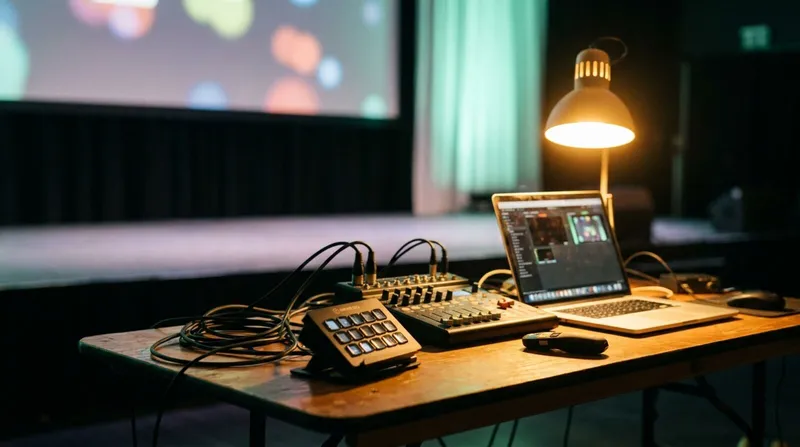
An AV tech table with a laptop, a small video mixer and a Stream Deck, cables running to a stage screen
Hybrid Events

The Hybrid Event Tech Stack: What You Actually Need

The hybrid event tech stack that earns its place on the tech table, from slide control to NDI output and backup gear.
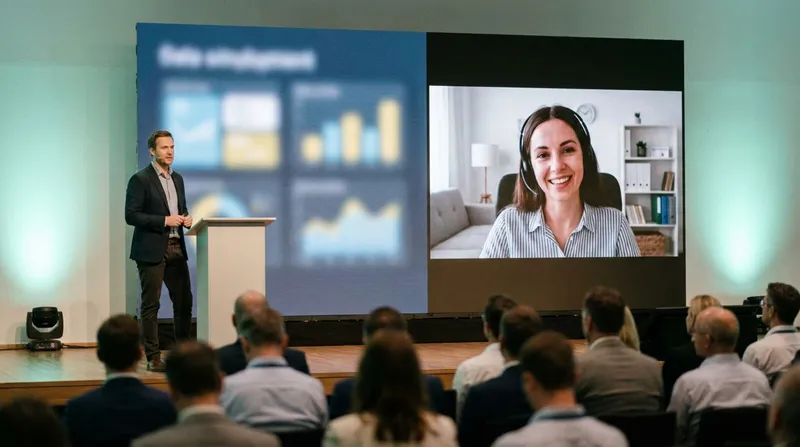
A conference stage with a large screen showing a remote speaker beside the live host, both audiences visible
Hybrid Events

Running Hybrid Events with Remote Speakers: The Complete Guide

Run hybrid events with remote speakers: slide control, audio and backup plans so in-room and remote talent both land.
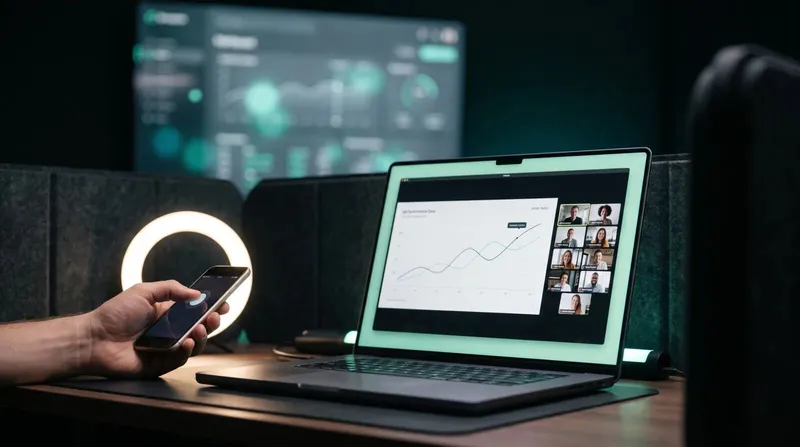
Presenter at a laptop screen sharing a slide deck during a video call with a phone remote nearby
Hybrid Events

Using a Presenter Remote in Zoom and Microsoft Teams

Keep control of your own slides while screen sharing in Zoom or Teams, instead of asking someone else to click for you.
Newsletter

Get the next guide before your next show

Practical guides for presenters, AV crews and event teams, plus the Cliqer releases that matter. No spam, one click to leave.