
Hybrid Events
Bringing Remote Guests On Stage with Live Callers
Bring remote guests on stage as live callers, with camera and audio routed into your room or switcher, no extra app.
A speaker presenting from another country adds a genuine question most local speakers never raise: does the internet connection actually hold up over that distance, and does the person clicking "next slide" feel any delay from it. The honest answer is that distance itself matters far less than most people assume, and the setup that works locally works almost identically across borders.
It is tempting to assume that a speaker clicking slides from another continent will feel more lag than one clicking from across the room. In practice, the connection almost always finds a reasonably direct path regardless of geography, because the signalling and relay infrastructure sits close to major internet exchange points rather than in a single fixed location. What actually determines the feel of remote slide control is the same handful of factors that matter locally too: the speaker's own network quality, whether their connection can reach the venue directly or has to be relayed, and how the presentation software itself responds to a command once it arrives.
That said, a few things are worth setting up deliberately when the speaker is genuinely remote and the stakes are high, a keynote or a conference session rather than a casual call.
Full reference in how to use Cliqer. Because everything runs through a browser link, there is no regional app store restriction or install step to worry about even if the speaker is somewhere with limited connectivity to certain services.
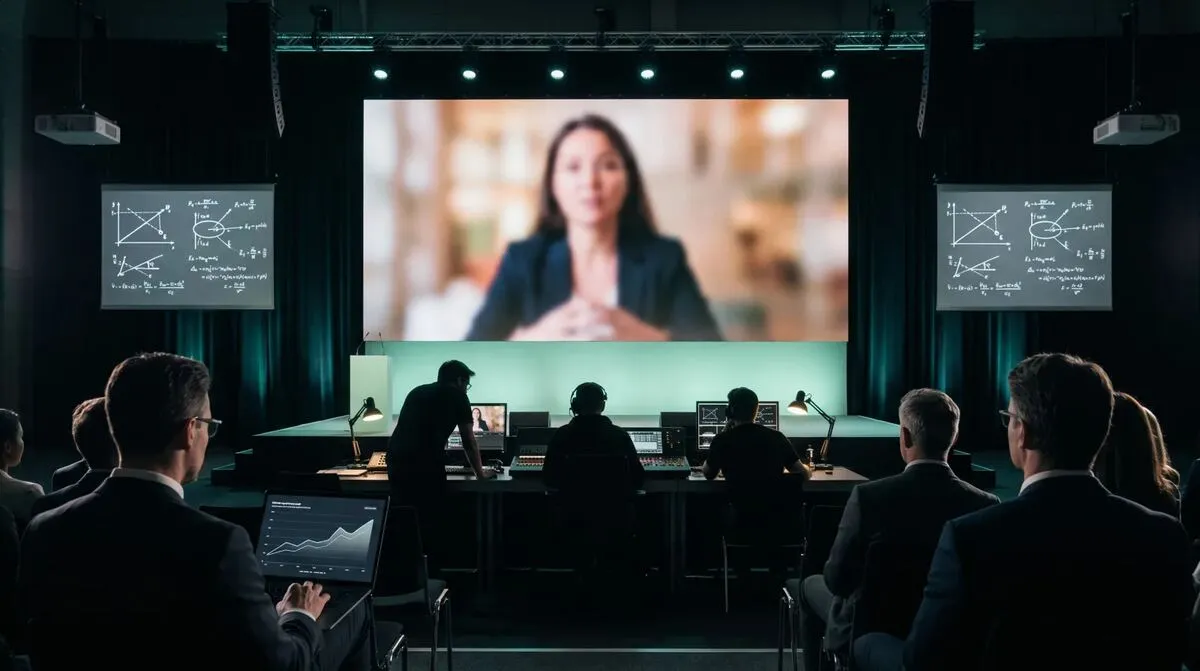
If you want a concrete answer on how a specific connection performs before the actual event, run a dry test with the speaker at the exact venue setup, same host machine, same network, a few days ahead. Watch for a consistent, small delay between click and slide change rather than anything jarring. Clicker latency in milliseconds explains what is actually happening technically between a click and a slide changing, and is worth reading if you want to set realistic expectations with a nervous speaker beforehand.
| Scenario | Typical connection quality | What to prepare |
|---|---|---|
| Speaker in the next room | Excellent, usually direct | Minimal, standard setup |
| Speaker in another city, same country | Very good, usually direct | Test once beforehand |
| Speaker in another country, good home internet | Good, may relay depending on firewalls | Test at actual session time, have a phone backup |
| Speaker on hotel or conference Wi-Fi abroad | Variable | Test on-site if possible, prepare a manual fallback |
The further a speaker is from the venue, the more valuable a backup plan becomes, not because distance itself causes problems but because you usually have less ability to troubleshoot in person if something does go wrong. Two things help:
This is the same backup thinking covered in running hybrid events with remote speakers for hybrid events generally, and it applies just as much to a single remote speaker slotted into an otherwise local event.
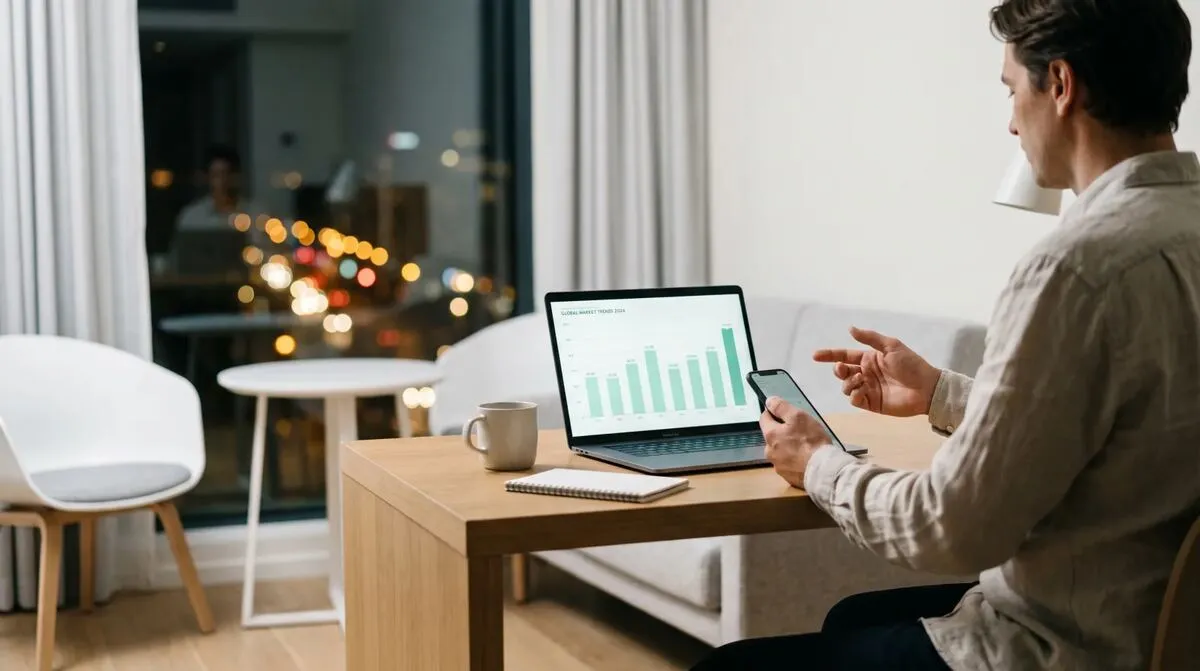
Speakers presenting from an office, university or hotel network abroad sometimes sit behind firewalls that block the kind of direct connection slide control normally uses. Cliqer's connections fall back to an encrypted relay automatically when that happens, including relaying over port 443, the same port normal web browsing uses, on networks that block everything else. That fallback is what keeps international speakers working from behind corporate firewalls without anyone needing to request a network exception in advance. See corporate firewalls and presentation tools for more on what that looks like from an IT perspective, and TURN servers explained for how the relay itself works under the hood.
The part of an international speaker setup that trips teams up is rarely the technology, it is the coordination around it. A speaker nine hours ahead or behind the venue needs the room link and a test window scheduled at a time that works for both sides, and a clear, written confirmation of what time the session actually starts in their own local time, not just the venue's. Build the connection test into that same conversation rather than treating it as a separate technical step, since getting a speaker to actually sit down and click through a test is often the harder part of the whole process.
Running hybrid events with remote speakers
The complete guide to the wider hybrid event this single remote speaker slots into.
No. The speaker only needs a browser and the room link; they do not install anything. Only the venue's host machine needs the Cliqer desktop app.
Usually not a delay that matters for slide control. Connections typically find a reasonably efficient path regardless of geographic distance, and any felt lag more often comes from the speaker's own local network than from the distance itself.
Test their connection well ahead of the event. If a direct connection is blocked, the relay fallback usually still gets through over standard web ports, but it is worth confirming with a real test rather than assuming, especially somewhere with unusual network restrictions.
Yes, for anything high-stakes. A good test days beforehand does not guarantee identical conditions on the day. A phone backup and a local operator who can take over manually cost little to arrange and remove the worst-case scenario entirely.
Start with Cliqer's free plan to run a real test with your international speaker before the event. For sessions where a dropped connection is not an option, look at multi-host presentations for a backup host, and check pricing for the plan that covers your event's needs.
Accessible Presentations: Contrast, Captions and Pace
Make presentations more accessible with better colour contrast, live captions, steady pace and a room setup that helps.
Getting AV Software Approved by IT: A Practical Guide
What an IT security review of AV software actually checks, and how to prepare so your tool gets approved first time.
Keep reading

Practical guides for presenters, AV crews and event teams, plus the Cliqer releases that matter. No spam, one click to leave.