Switch from vMix.
Bring your show.
Open your vMix show in Cliqer Studio, keep NDI, Companion and your cameras, and run it on a Mac or a PC. 30% off your first Studio payment with code VMIX30.2
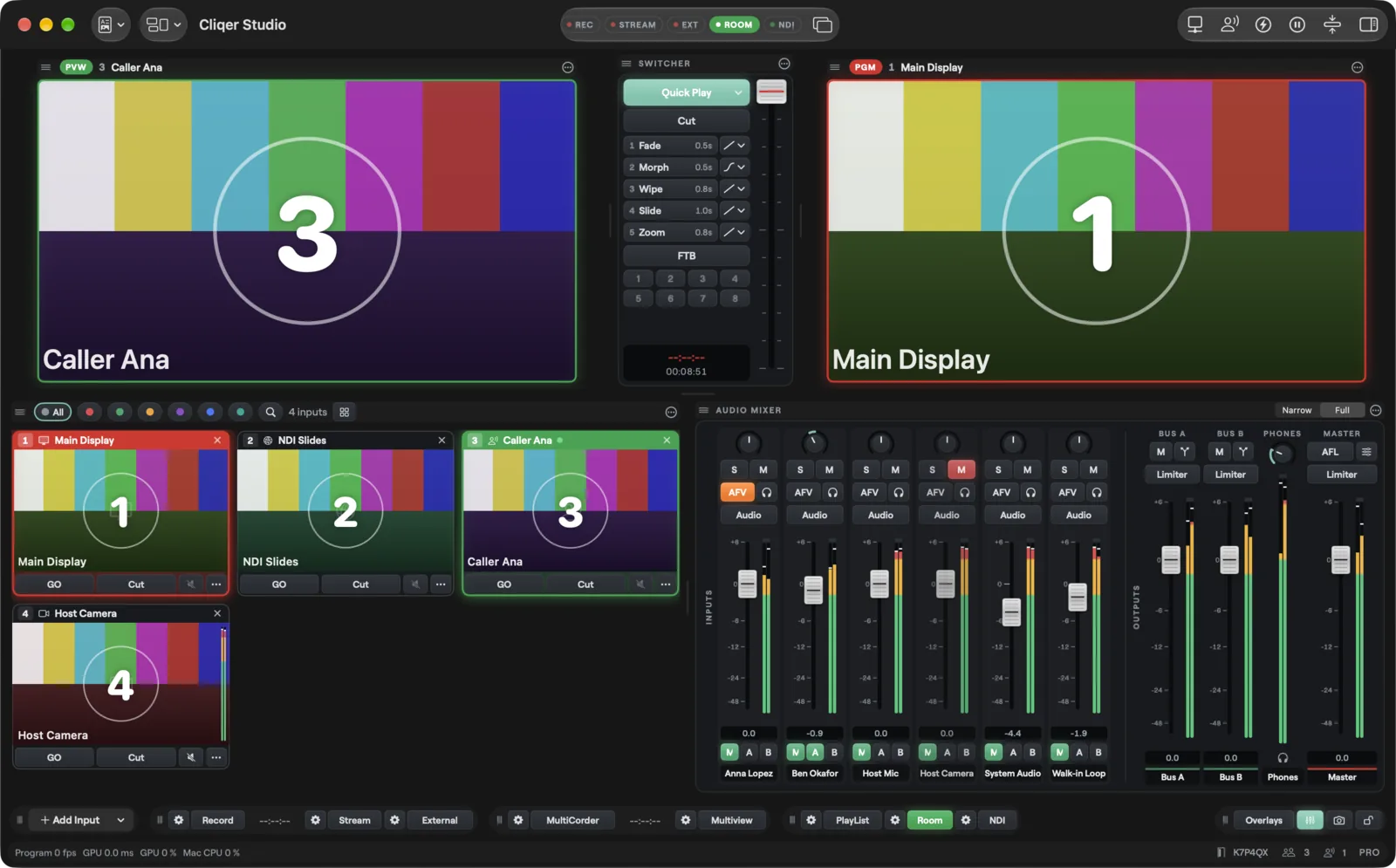
What the first year costs
Each Cliqer plan against the vMix edition it replaces, at today's prices.1
Everything you use in vMix, and more
Where Cliqer Studio goes further, and the tools you rely on that come with you.5
| Where Cliqer leads | Cliqer | vMix |
|---|---|---|
| Runs on Mac and Windows | Windows 10 and 11 only | |
| Timeline and auto switching | Playlist and triggers, no timeline | |
| Live captions | None | |
| Scopes and deinterlace | Partly | |
| Go live on Twitch and LinkedIn | Through RTMP settings | |
| Public API and SDK | HTTP and TCP, no SDK |
Both have it
- NDI in and out
- Remote video guests
- Instant replay
- ISO recording
- Titles and lower thirds
- Layout designer
- Keying, colour and LUTs
- Transitions
- Vertical output
- Multiview and Blackmagic out
- PTZ camera control
- Virtual camera
- Tally and capture cards
- Virtual screens
- VST3 and ASIO audio
- Scripting and macros
- Stream Deck and Companion
- SRT and RTMP inputs
- Five streams at once
Open your vMix show
Choose Import vMix Show in the File menu. Your inputs arrive with their names, ready to switch. Anything Cliqer cannot carry arrives as a named placeholder, so the running order stays whole.
- The whole import is one undo step.
- It never runs while you are live.
- A notice lists placeholders, anything not carried, and fonts missing on this computer.
Video, image and video list inputs
NDI and network stream inputs
Browser inputs
Colour inputs
GT titles
Anything else as a named placeholder
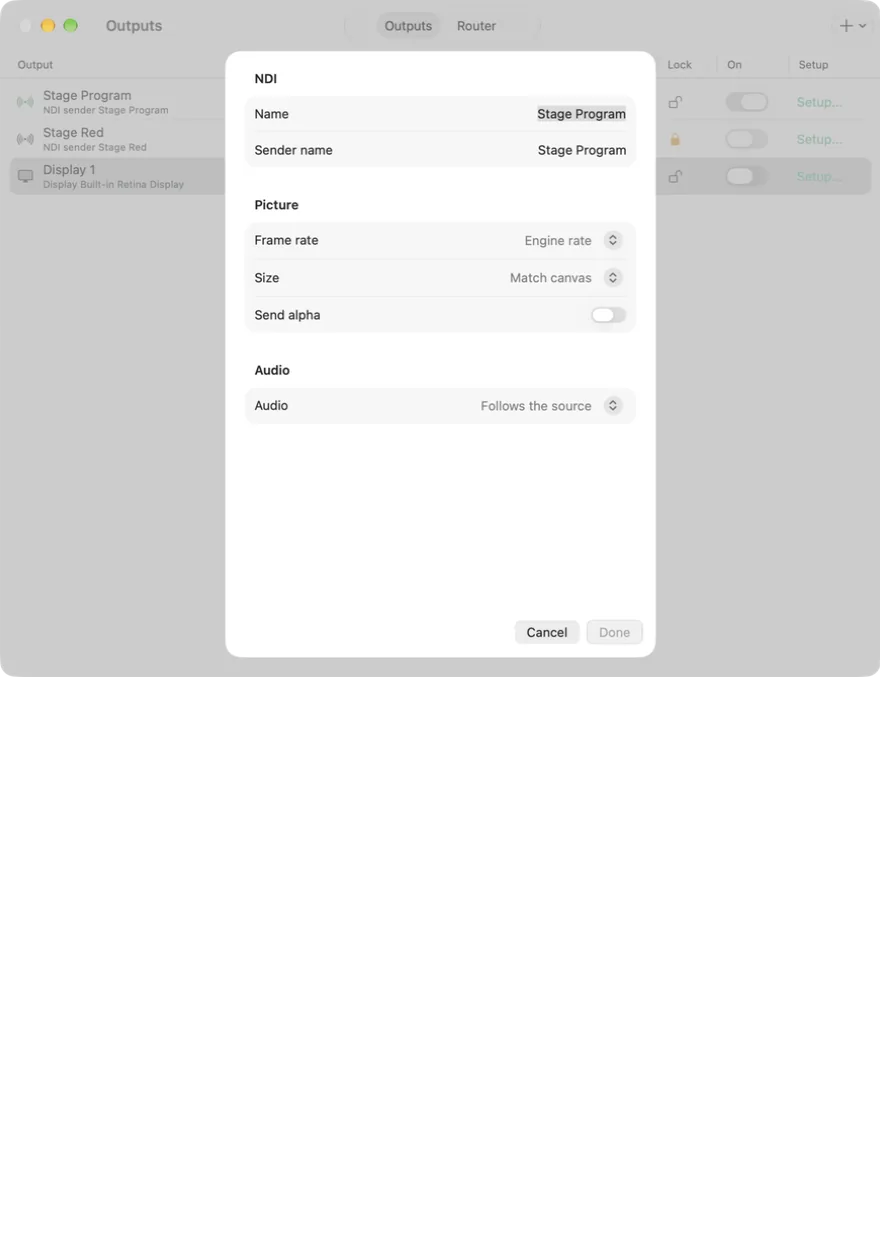
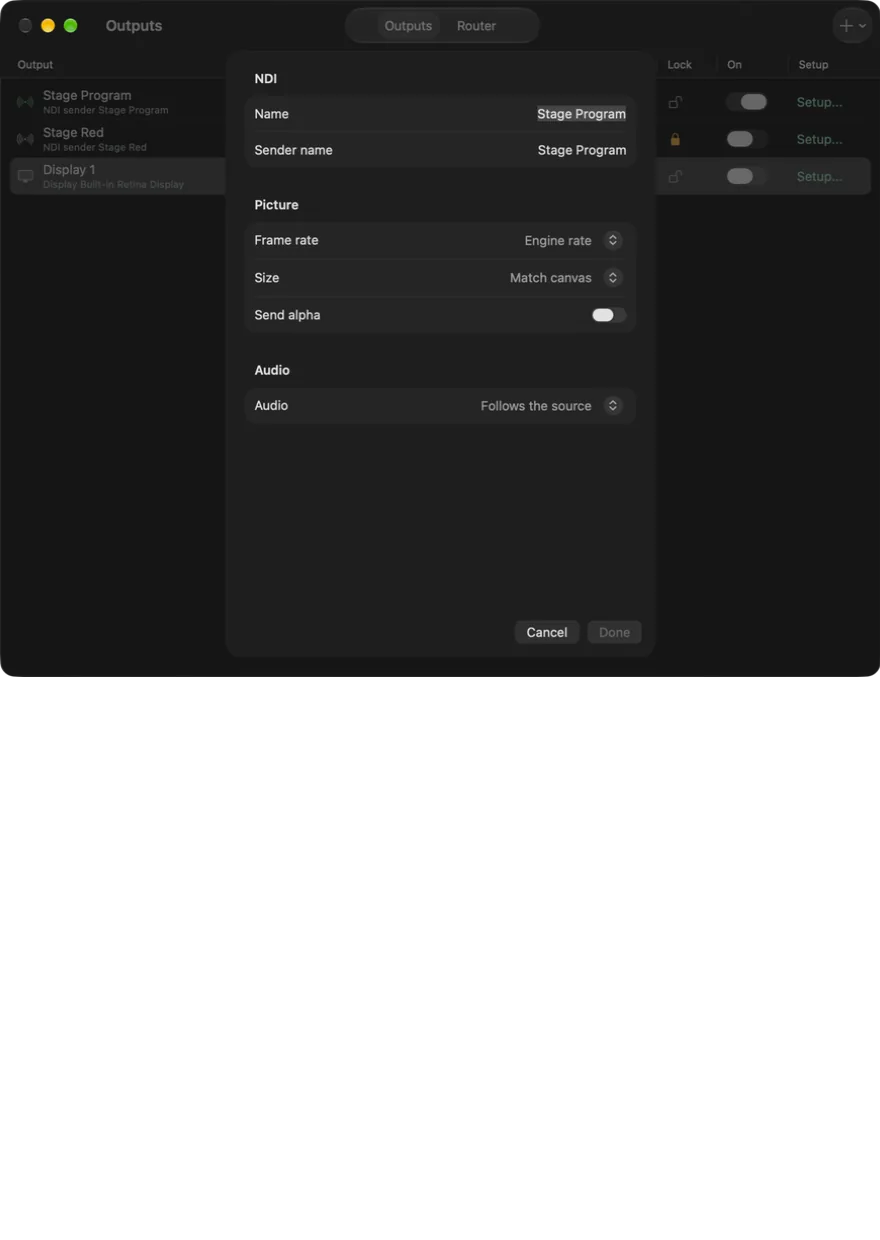
Or run them side by side
Not ready to move the whole rig? Cliqer sends NDI that vMix takes like any source. Give each remote caller their own NDI output with their own audio, and switch them in vMix one by one.
Your next show, in Cliqer.
Use codeVMIX30 for 30% off your first Studio payment.
Questions
- Cliqer prices are the yearly plans on our pricing page. vMix prices are the one-off edition prices on vMix's site, in pounds.
- Code VMIX30 takes 30% off the first Studio payment.
- Studio limits from Plans and limits in the Cliqer docs: 16 remote callers and an 8K Program.
- Cliqer Studio needs macOS 15 or later, or Windows 11.
- Feature rows come from our vMix comparison, against the best vMix edition for each row. Some tools are on higher Cliqer plans; see Plans and limits.